Physical Computing
Module 1 Process Document
Jade Haldane
This site documents my work for Project 1, Physical Interaction: Sensors and Input Data. It covers the three weekly activities, the research activity, ideas I explored along the way, and the concept I have chosen to take forward.
Module 1
Activity Research
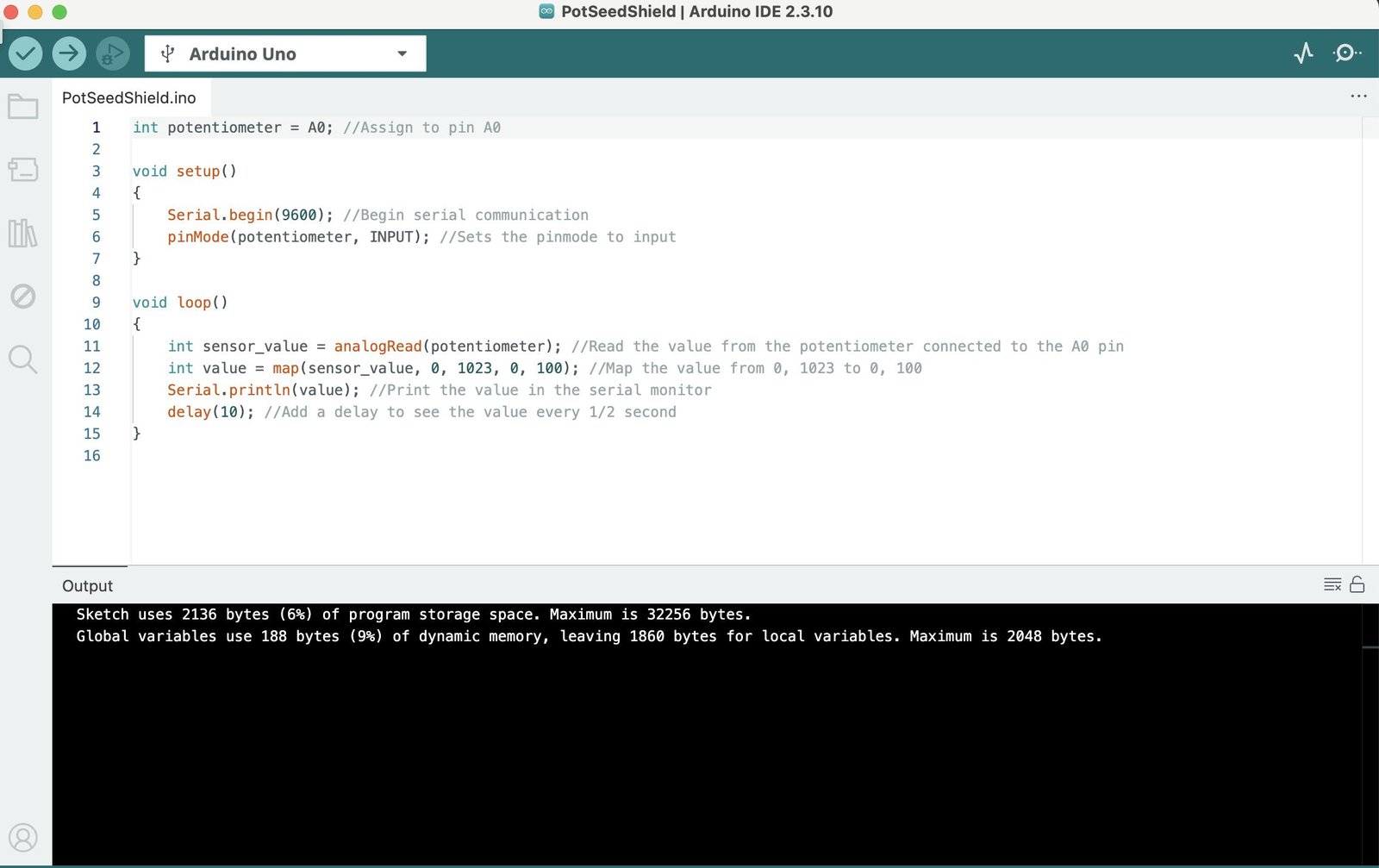
Activity 1: Arduino Intro
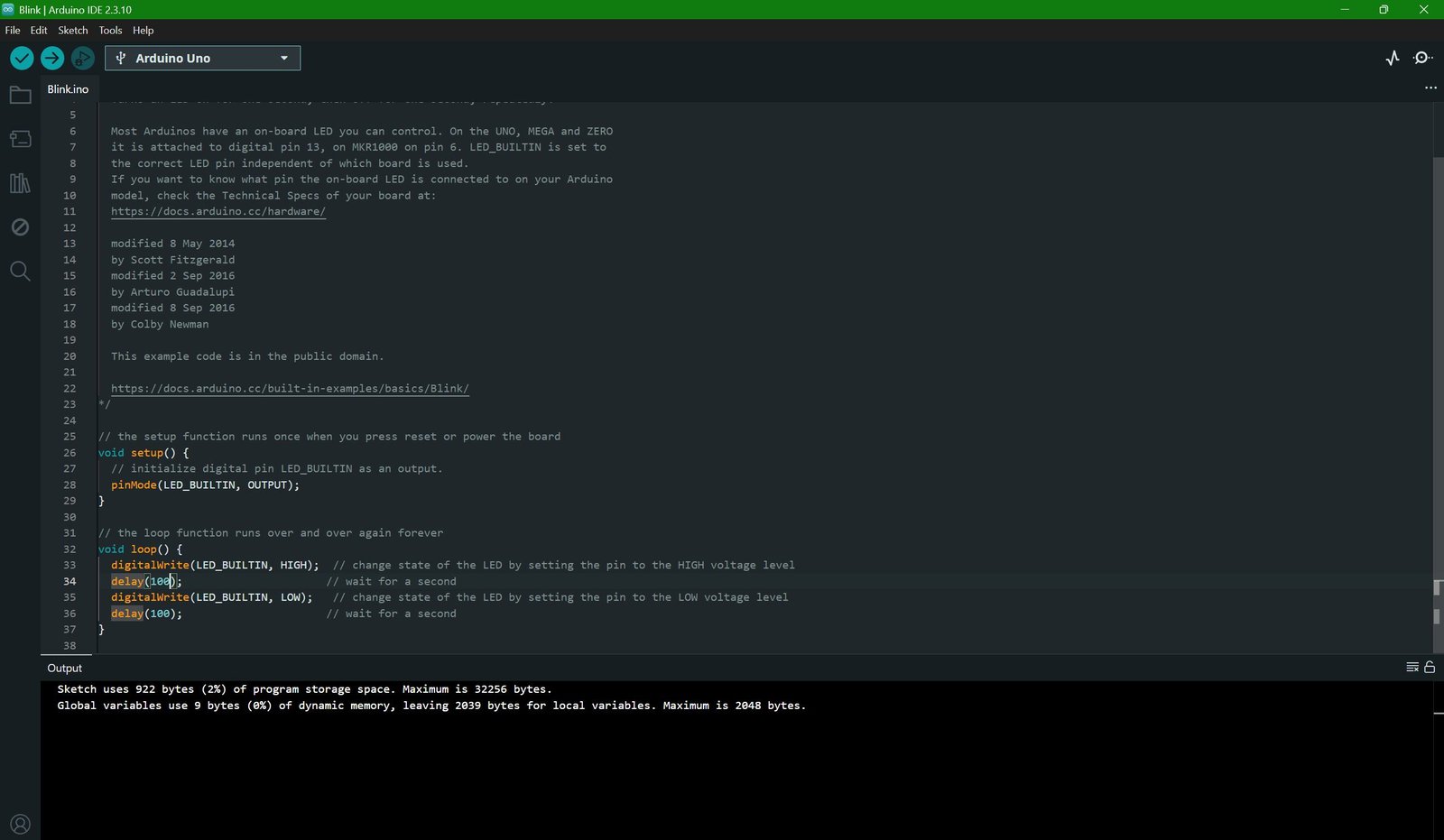
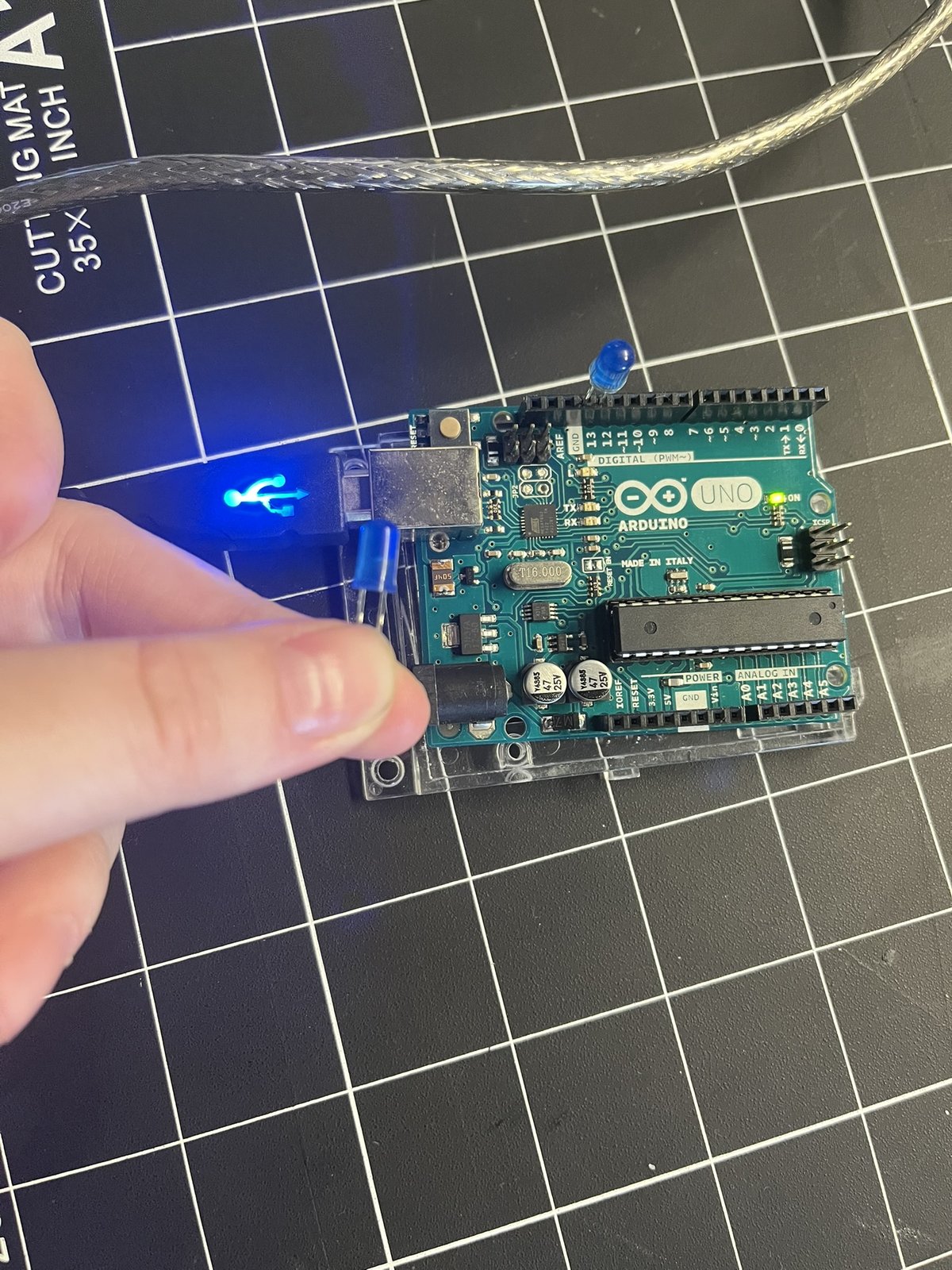
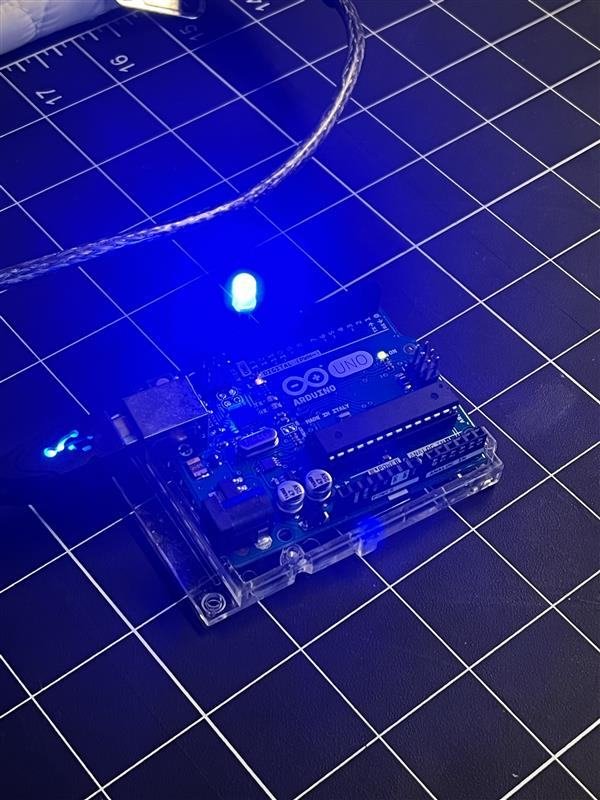
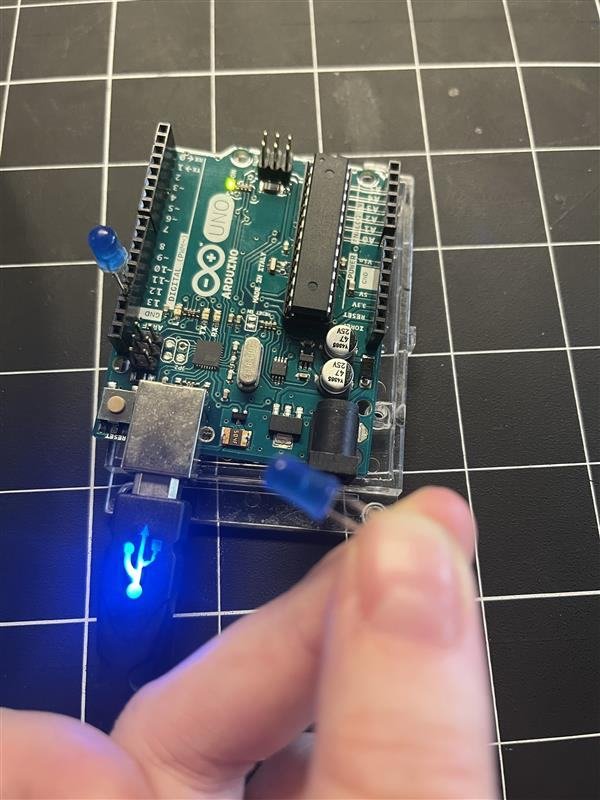
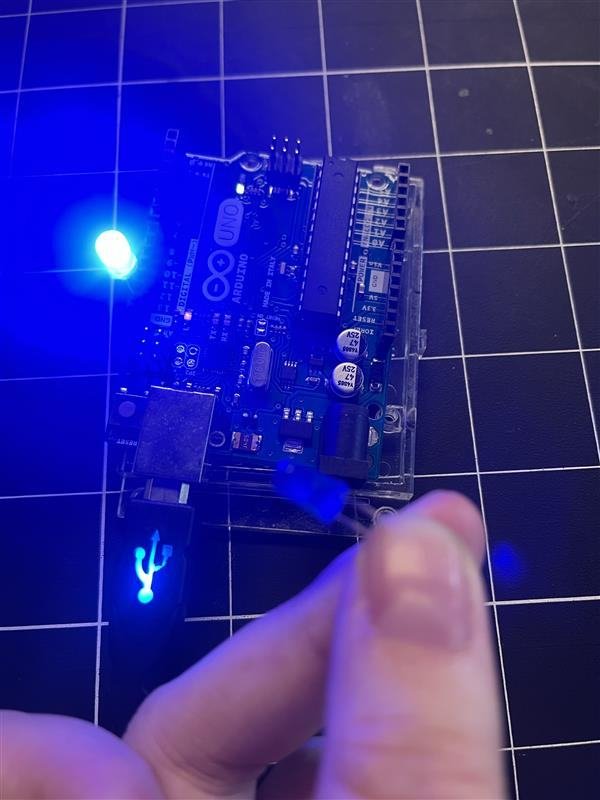
This activity was nice and easy to get back into using physical computing things like this and I enjoyed working in partners as things move quicker. I really liked seeing the blinking light and learning how Arduino functions on a better level. I remember briefly learning about Arduino last year but I can’t say that all of those lessons fully stuck in mind especially after a year. Overall, I am really looking forward to learning to use Arduino.
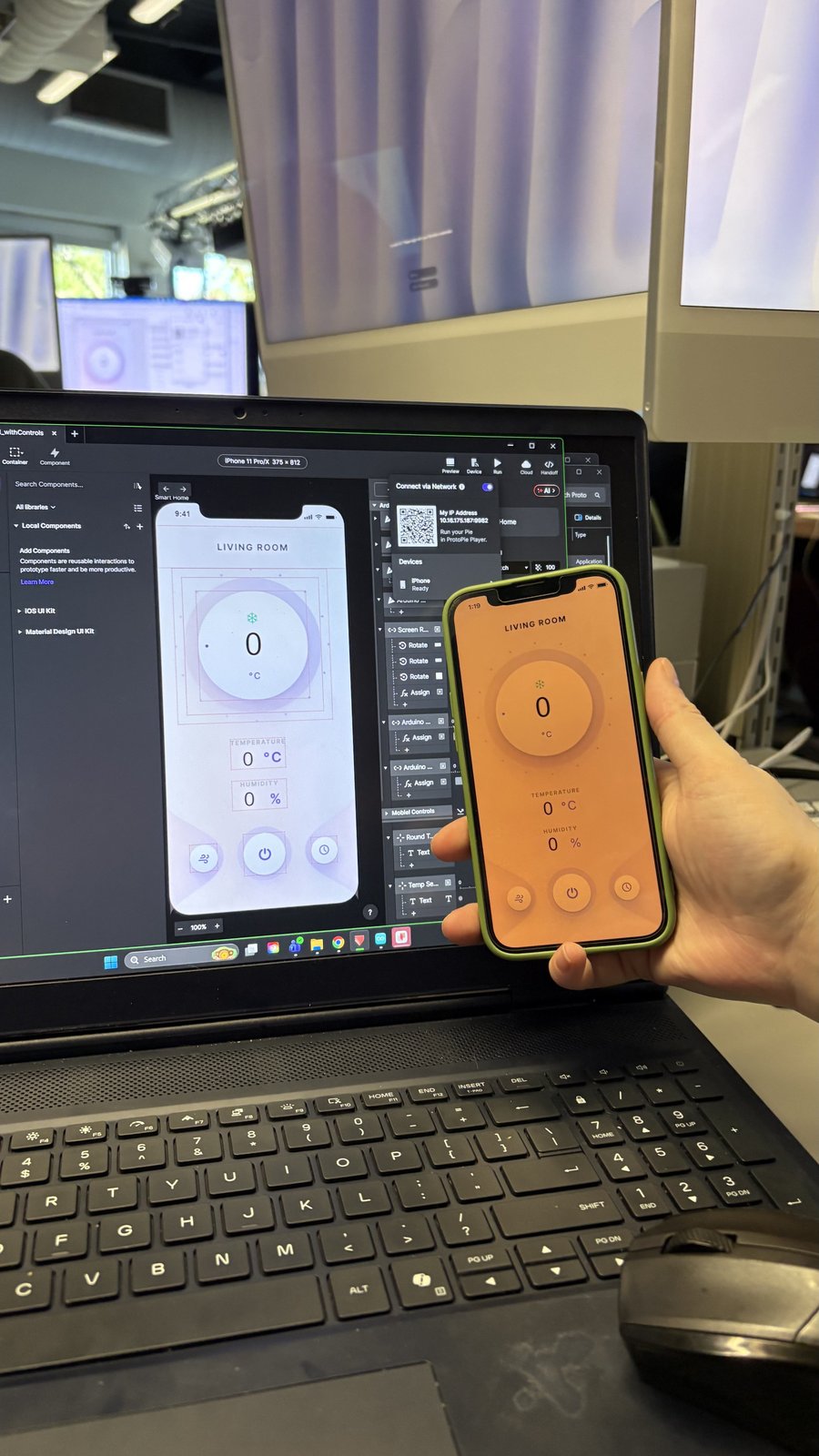
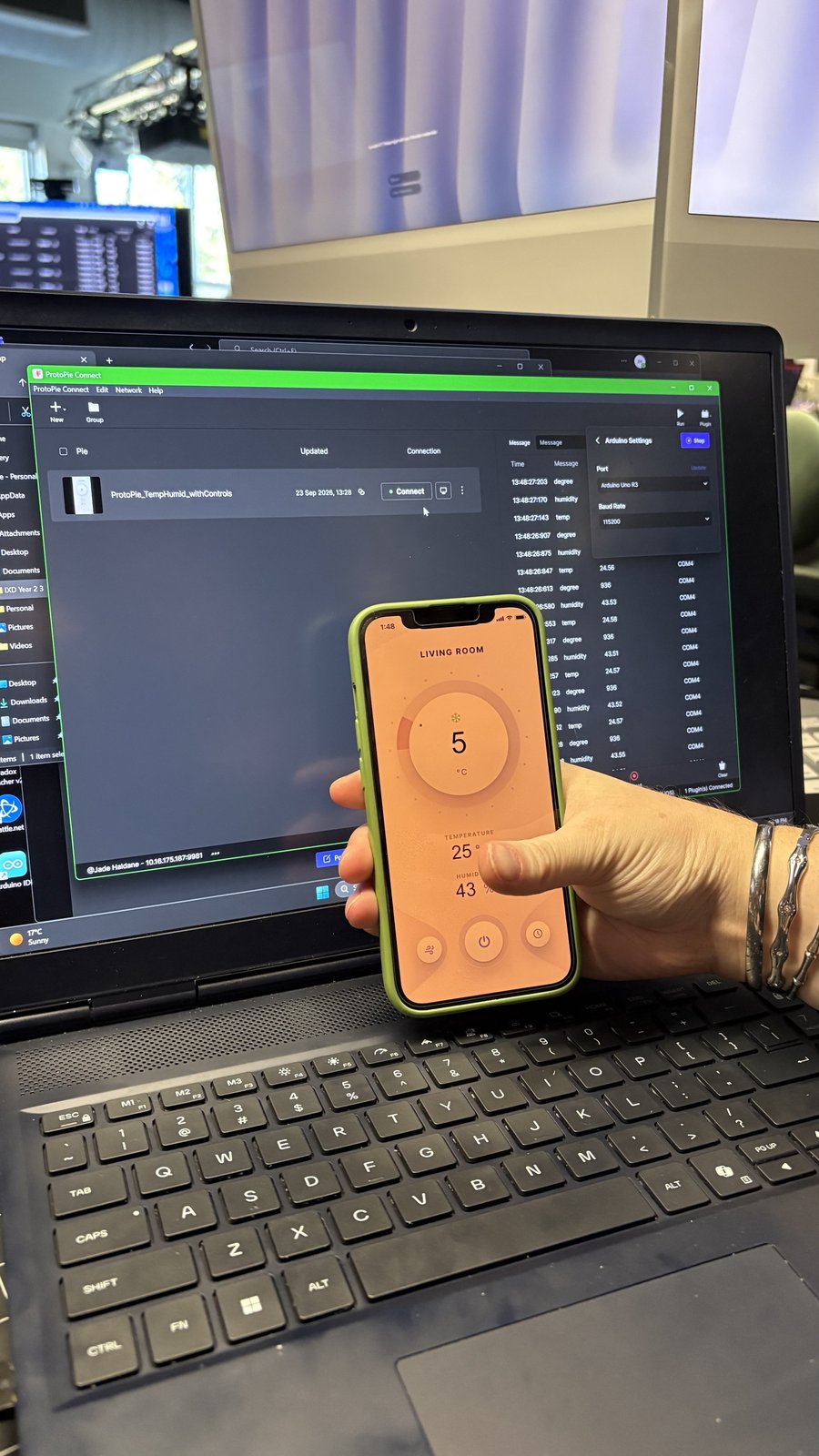
Activity 2: ProtoPie Connect
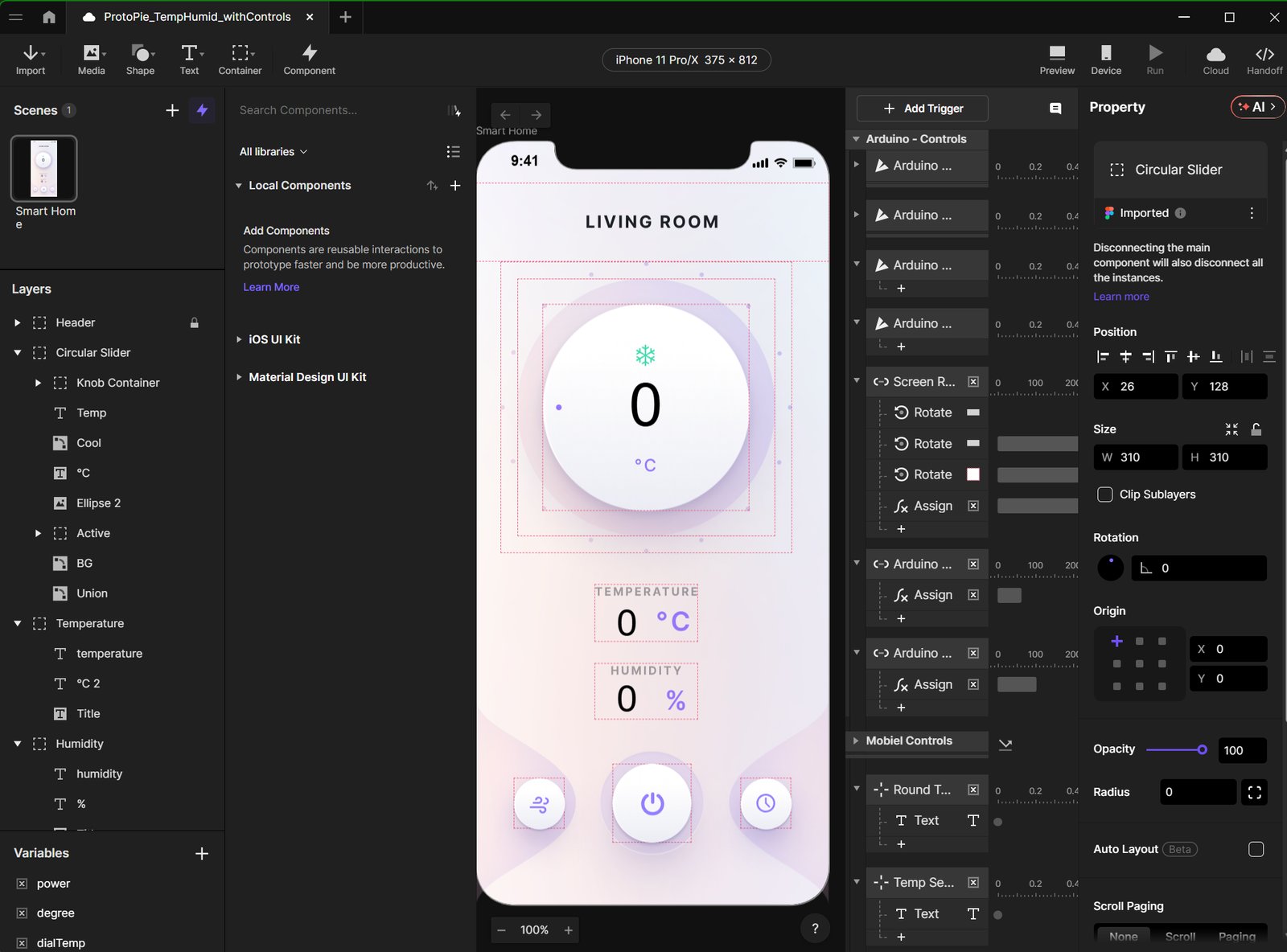
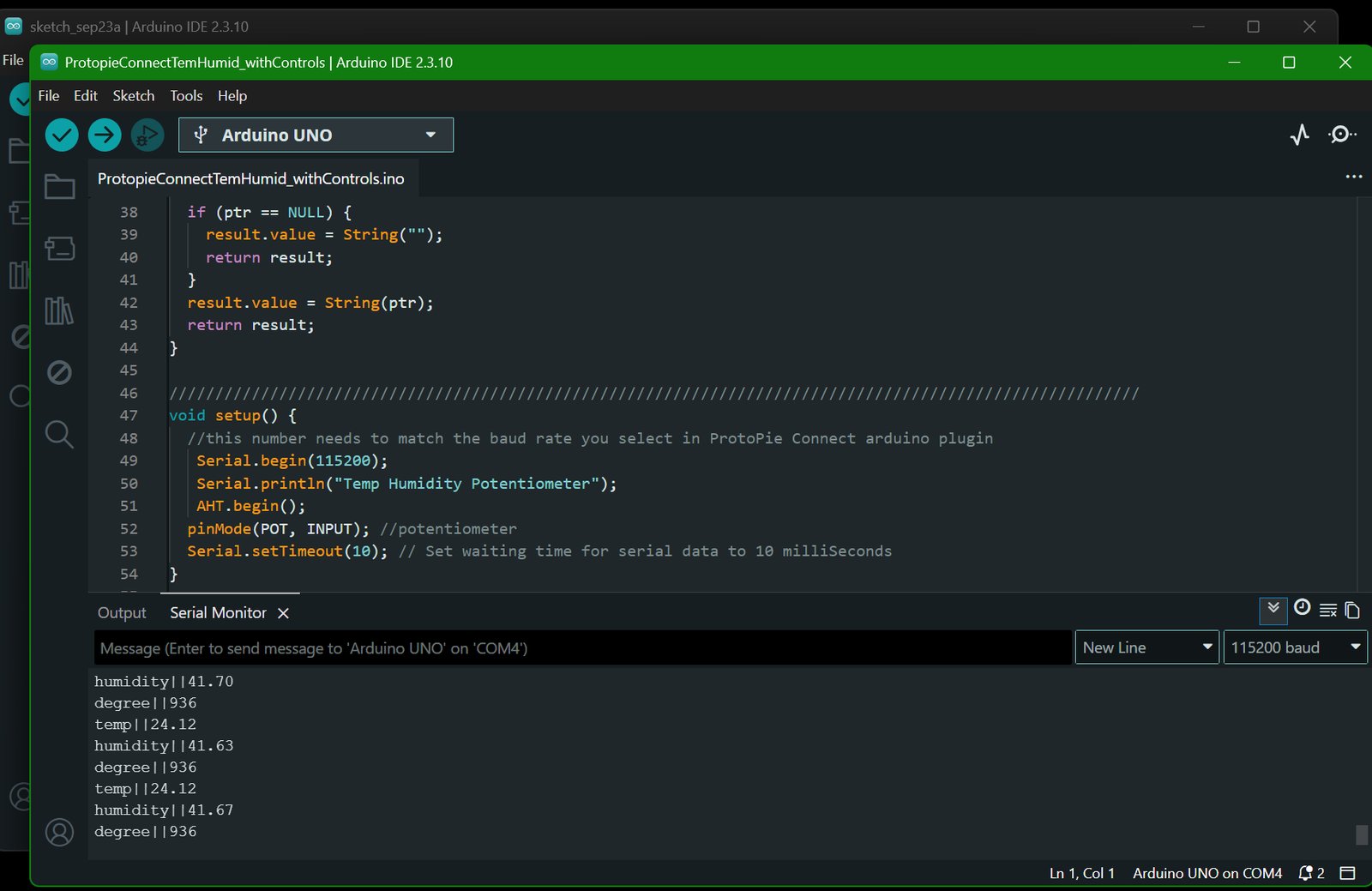
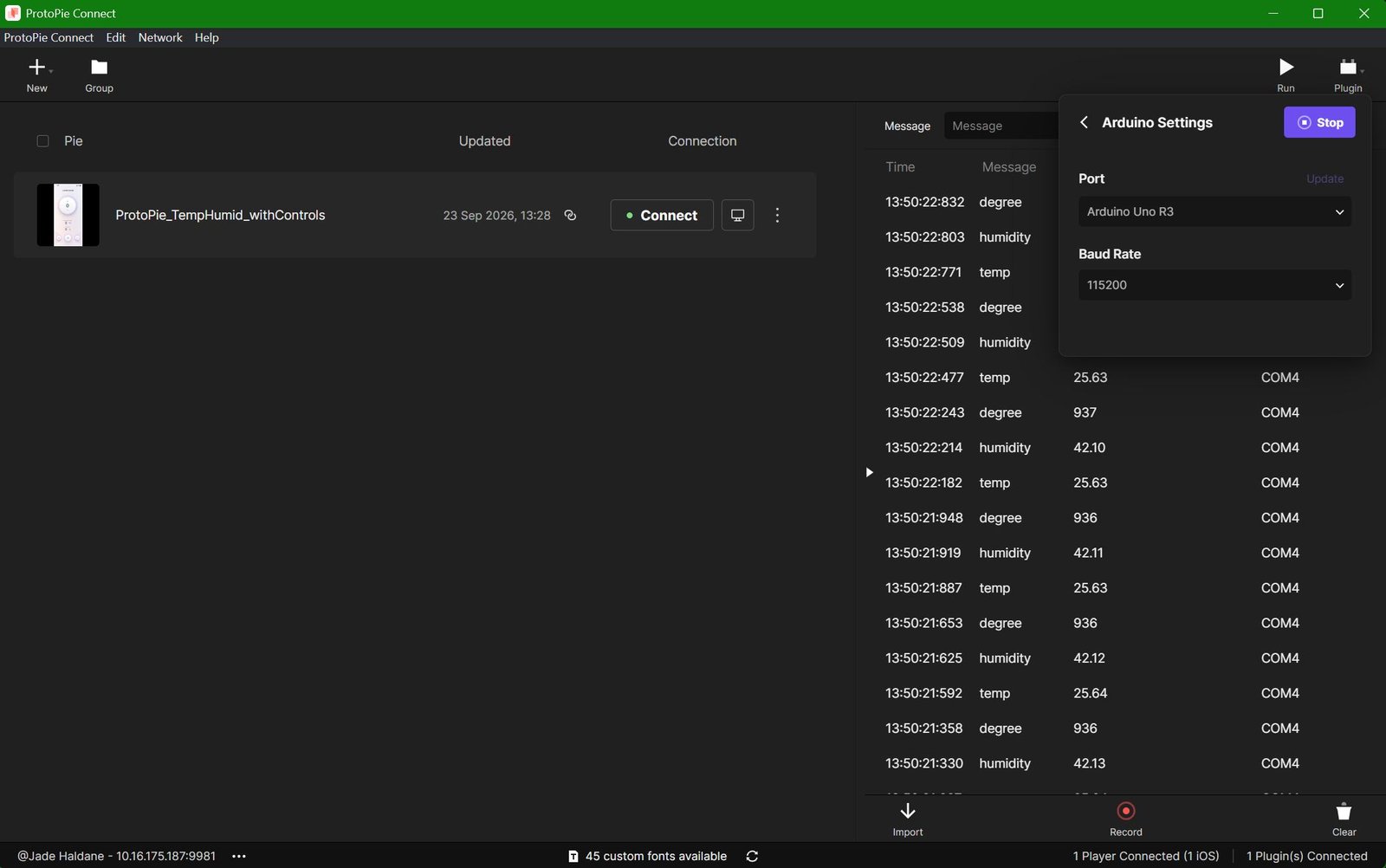
I followed along with all the instructions for this activity and I only briefly struggled with having my laptop unable to connect to my phone due to me running a background function and missing the step to turn it off. I also think that this kind of work with the Arduino works great with the set-up I have, a windows gaming laptop and an apple phone. I really enjoyed seeing just how functional ProtoPie can become as I really liked how in depth the features are.
Activity 3: TouchDesigner and Projection
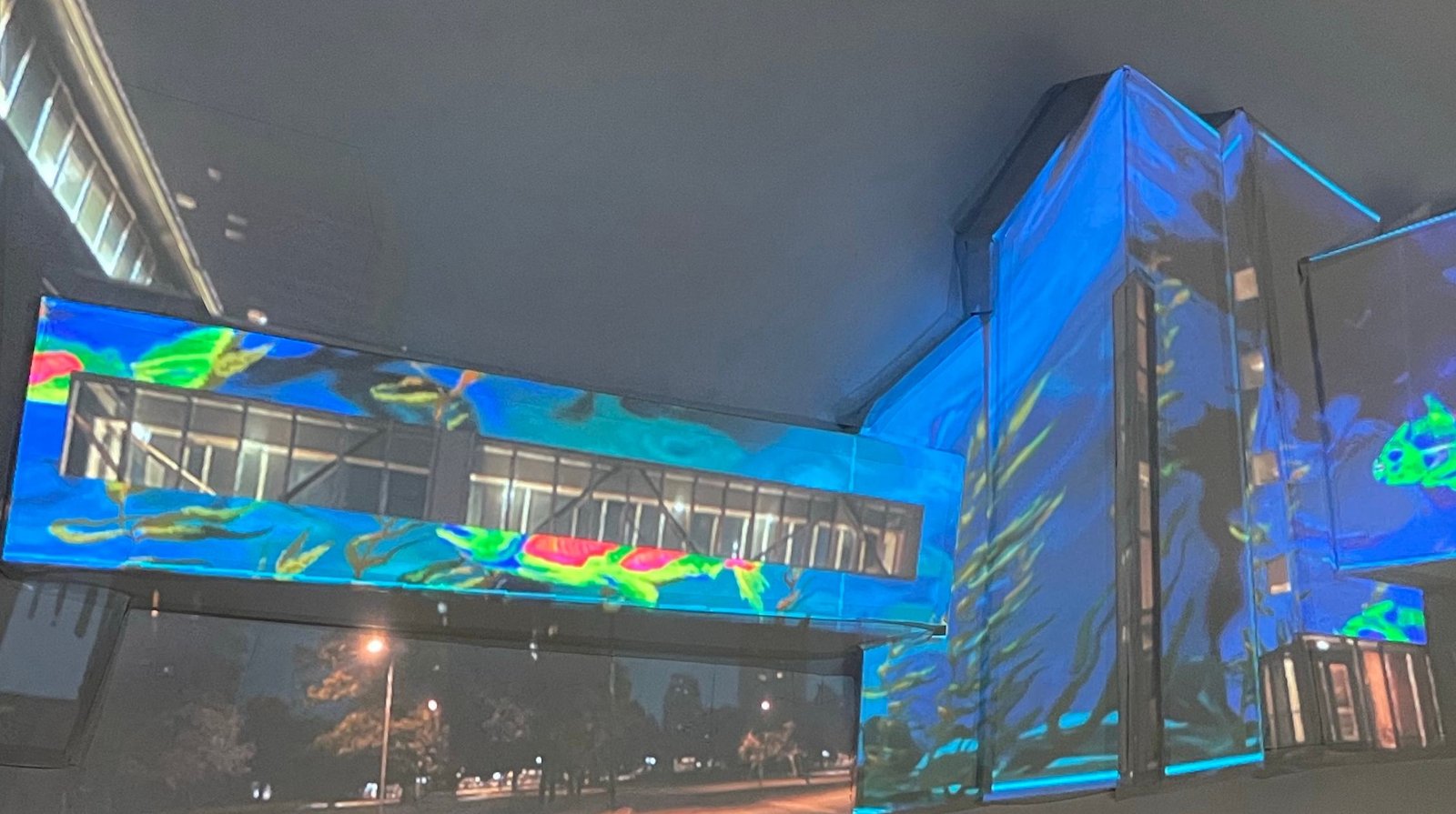
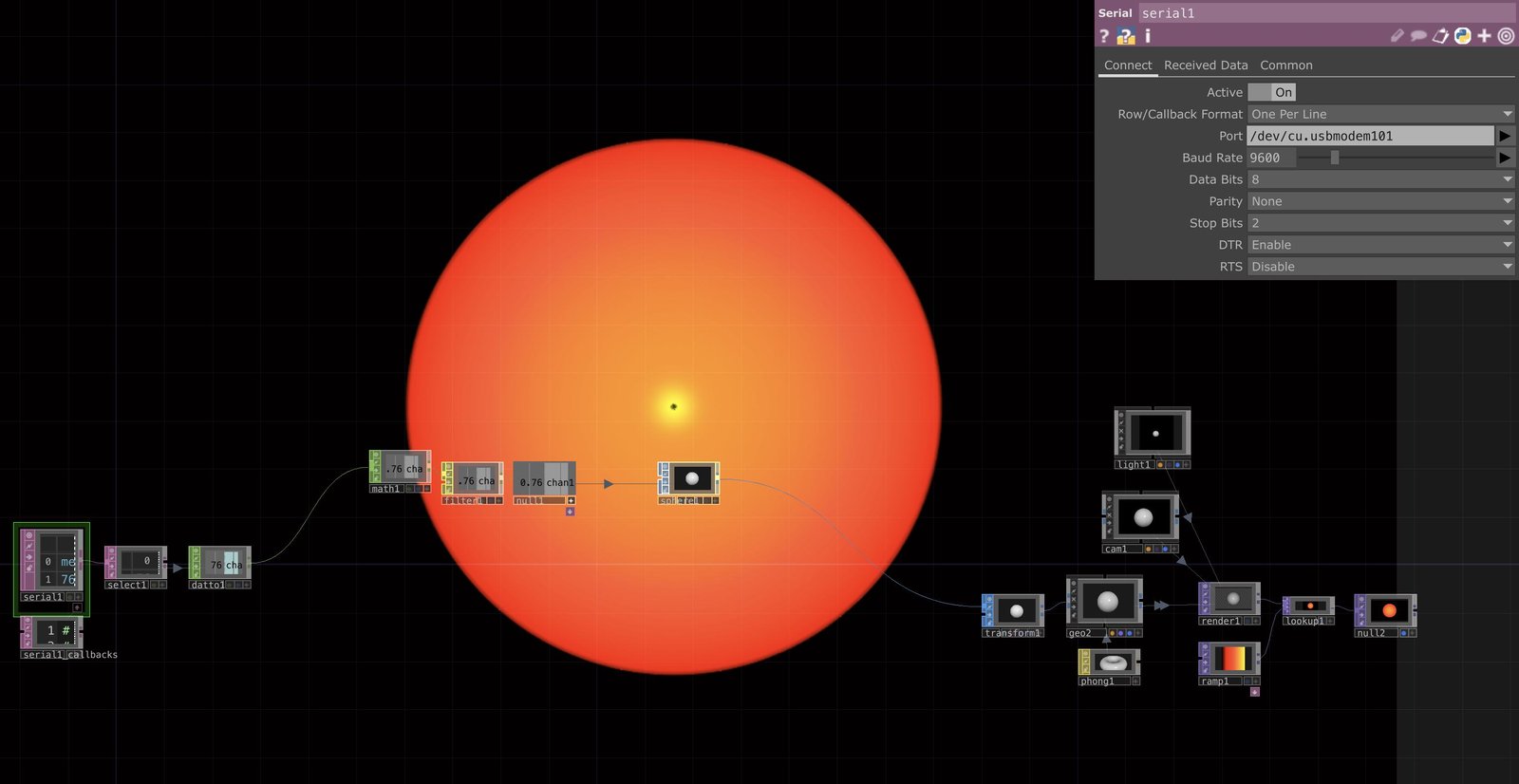
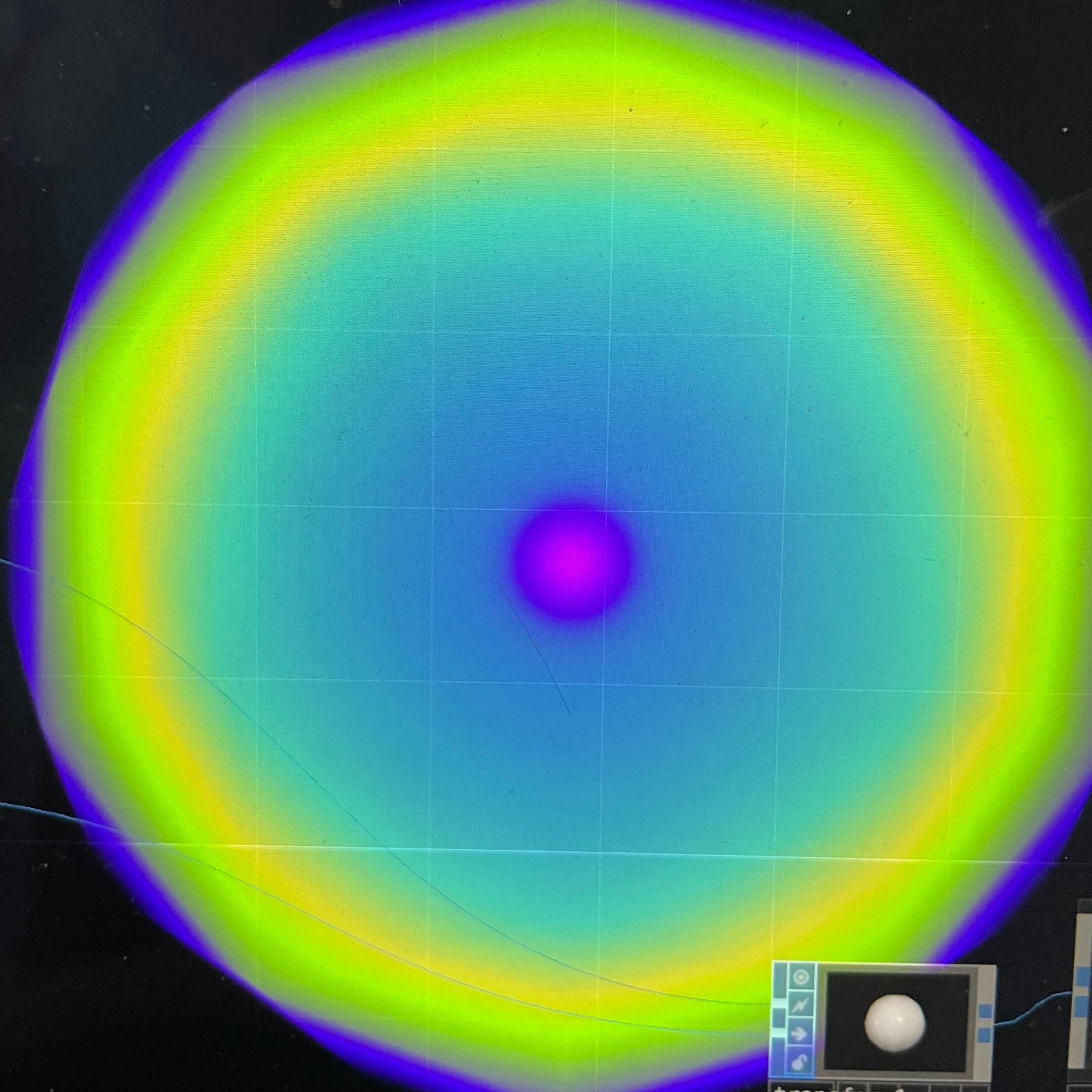
This activity got me thinking more about what I could actually create with physical computing. I started exploring different ideas and researching how things like movement tracking, gesture recognition, and projection mapping could work together. I really like the idea of combining physical and digital interactions, so I wanted to see just how far I could take that. I still have a lot to figure out, but I'm excited to keep exploring these ideas and see what I can make out of them.
Research Activity
Consumer Trend Research
I researched two consumer trends: Hybrid Play and Responsive, Human-Centred Tech. Both pointed me towards projects that mix physical and digital play and that people feel comfortable using.
| Prompt | Category 1: Hybrid Play | Category 2: Responsive, Human-Centred Tech |
|---|---|---|
| Source and summary | Toy Industries of Europe, “Towards a hybrid future for play” and Spielwarenmesse, “ToyTrend 2026: AI Loves to Play.” Both talk about how the future of play is a mix of digital and physical. The ToyTrend piece calls it “phygital play” and says screen-free toys are becoming more relevant. | The Future Laboratory, “Digital Engagement: A Social Future,” VML Insights, and Pew Research Center (via CBS News). These talk about people relying on tech more than ever but being tired of tech that takes more than it gives, and how uncomfortable people get with sensors tracking them at home. |
| What makes it unique, with an example | I feel like what makes this unique is that it isn’t trying to replace toys with screens, it’s trying to let both exist together. A good example is LEGO’s Smart Play system, where a brick with sensors, a speaker and lights reacts to play without a screen. | I like that this category is about how technology feels and not just what it can do. The Future Laboratory talks about responsive environments built around wellbeing, so something like Philips Hue smart lighting that changes the mood of a room would be an example. |
| Most important statistic and how it affected my choice | YPulse says 85% of 13–39 year olds play with games or toys. This made me realize hybrid play isn’t just for kids, so my idea could work for older people too. | VML found that 83% of leaders agree digital transformation is as much about people as it is about technology. Pew also found only 27% of people would test a smart thermostat sensor that tracks movement in their home. Together these made me want to focus on how my project feels to use and whether people would trust it. |
Personas Research
From the trends I built two personas, one for each category, using the statistics from my sources to describe who they are and what they care about.
| Prompt | Persona 1: The Hybrid Player | Persona 2: The Nostalgic Digital Native |
|---|---|---|
| Summary | Someone who grew up moving between the physical and digital worlds and sees them as one space for play. | Someone who uses technology every day but still holds onto childhood toys and games for comfort and nostalgia. |
| Generational impacts | I feel like this generation has never really had to separate digital from physical, so a toy that only lives in one world might feel incomplete to them. Hasbro’s president of toys says the digital world is a social hub for Gen Z and Gen Alpha the same way the mall was for millennials. | This group is digitally native but getting tired of platforms that take more than they give, and data privacy is still a big concern for them. Some Gen Z collectors also display their toys more than they play with them, which makes me wonder how my project could make them playable again. |
| Behaviours | They move between real life and digital with little to no difference between them (Toy Industries of Europe). | 85% of 13–39 year olds play with games or toys (YPulse). |
| Buying priorities | Products that are safe, inclusive and age-appropriate, with privacy and security taken seriously (Toy Industries of Europe). | 67% would try to buy a replica of something from their childhood if they could (MGA Miniverse / OnePoll). |
| Actions | They show signs of digital fatigue and a want to stay connected with nature and offline play (Toy Industries of Europe). | 59% consider themselves “kidults,” and dolls are one of the toys 40% of them hold onto (MGA Miniverse / OnePoll). |
HMI Research
For each trend I wrote a How Might I (HMW) statement and identified two problem spaces to design around.
| Prompt | Trend 1: Hybrid Play | Trend 2: Responsive, Human-Centred Tech |
|---|---|---|
| HMW statement | How might I let someone play with a physical object and a digital character at the same time so that neither feels like the lesser half of the experience? | How might I create a responsive space that reacts to what someone is doing in a way that feels playful and trusted rather than watched? |
| Problem space 1 | I feel like digital and physical play are usually separate, so people end up choosing between a screen and a toy. Some adults even keep their dolls on display instead of playing with them. | People rely on tech a lot but are burnt out on it, so technology that takes more than it gives isn’t something they want more of. |
| Problem space 2 | Digital fatigue is real, and the ToyTrend report says screen-free toys are getting more relevant, so adding another screen to play isn’t automatically a good thing. | Sensing someone in their own space makes people nervous. Pew found a movement-tracking smart thermostat got the most objections, so I need to think about how comfortable my sensing feels and not just whether it works. |
Project Path
To work out which direction to take, I looked at open-source Arduino projects that overlap with my ideas, researched projection mapping for inspiration, and then sketched several concepts.
Research: AI Room Tracker
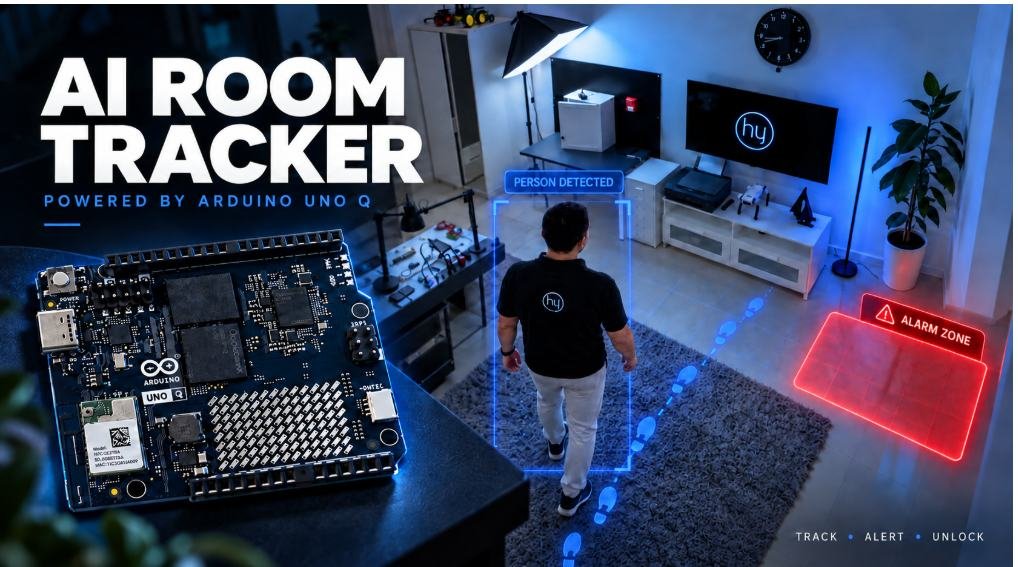
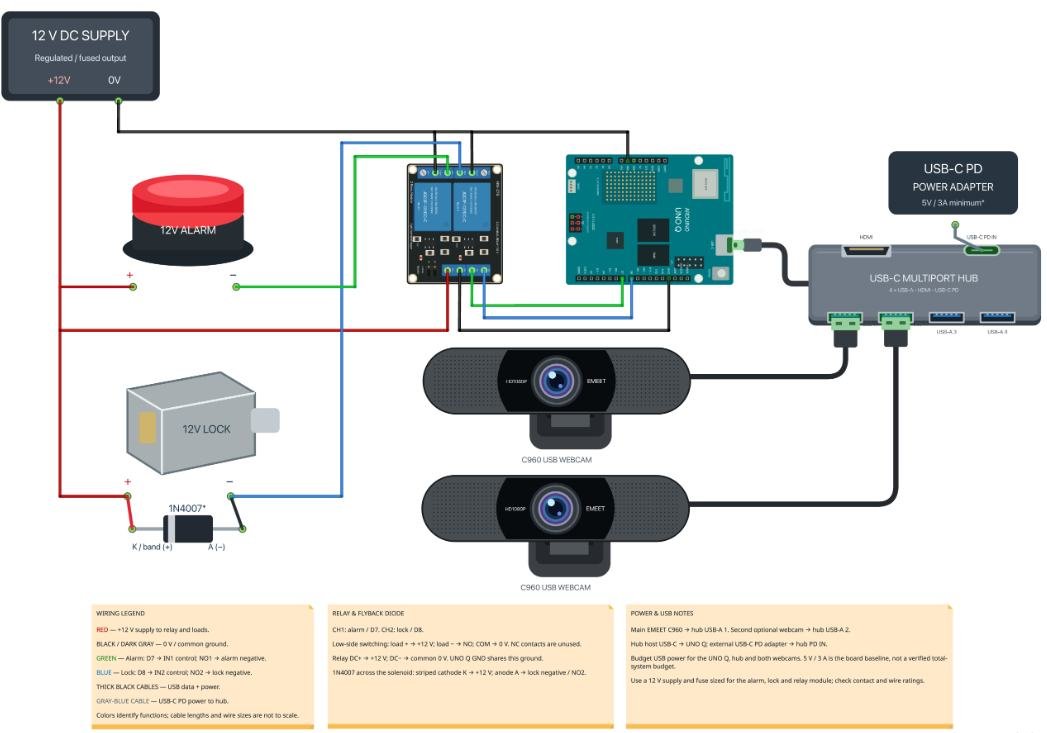
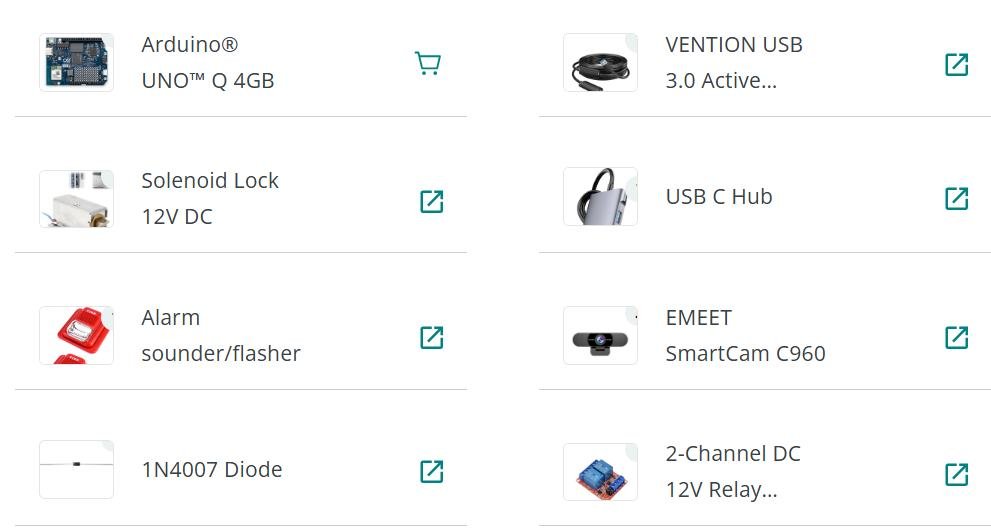
Many of my ideas hinge on the idea of being able to somehow see what the user is doing in order to prompt a predetermined response. This AI Room Tracker while fulfilling a different purpose, has the same base functionality of needing to survey the room for movement. I feel like keeping this circuit diagram in mind when planning how my projects will function will be important, it gives me key context of the things I need to design around. I also really like that the components used and the code is accessible as something I can reference.
Research: Joystick-Controller
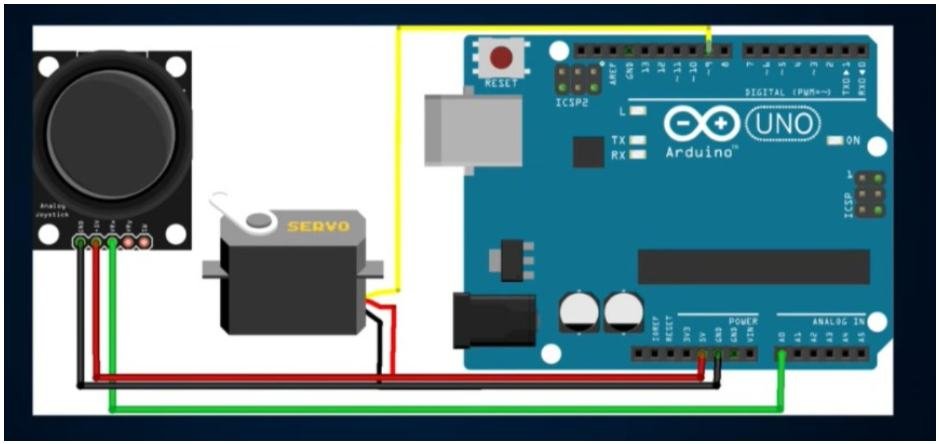
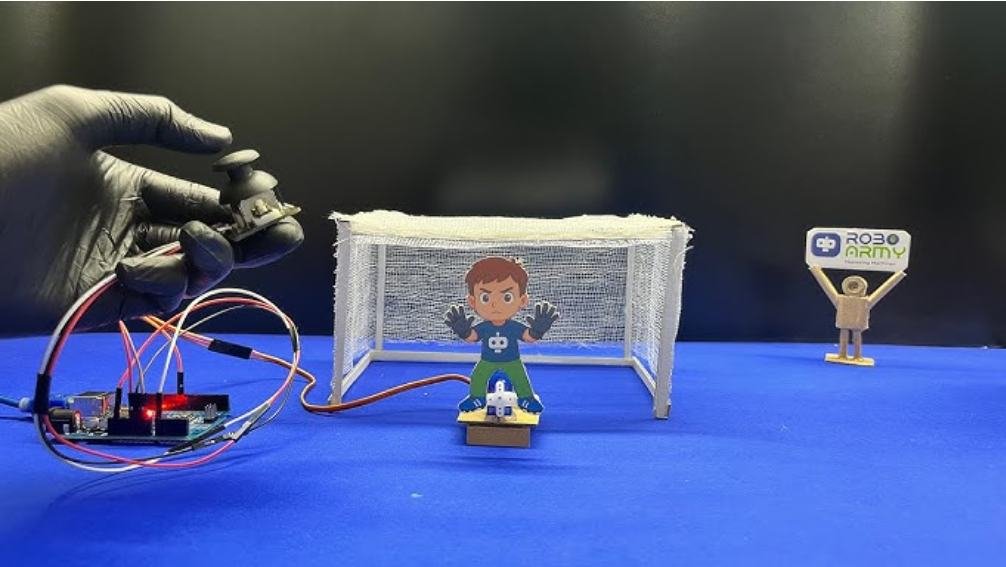
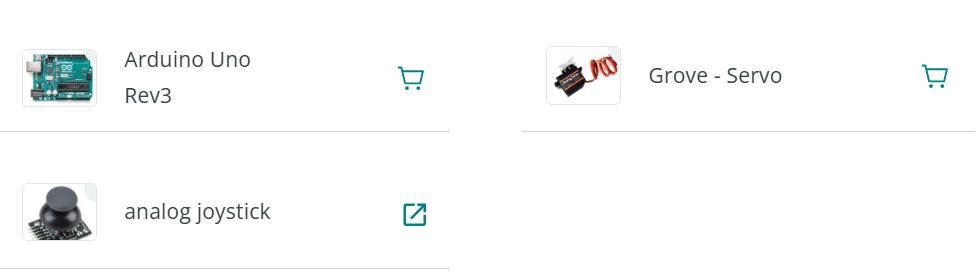
A core proponent of many of my interactive ideas is some kind of controller, so I figured this would be a good reference if I need in the future. It also gives me information regardless of if I use a controller in my final project, this allows me to see what a potential idea could look like. I feel like understanding how something like a joystick fundamentally works with the Arduino helps me understand better what I’m working with regardless of if I use it or not.
Research: Follow-Me Tracking
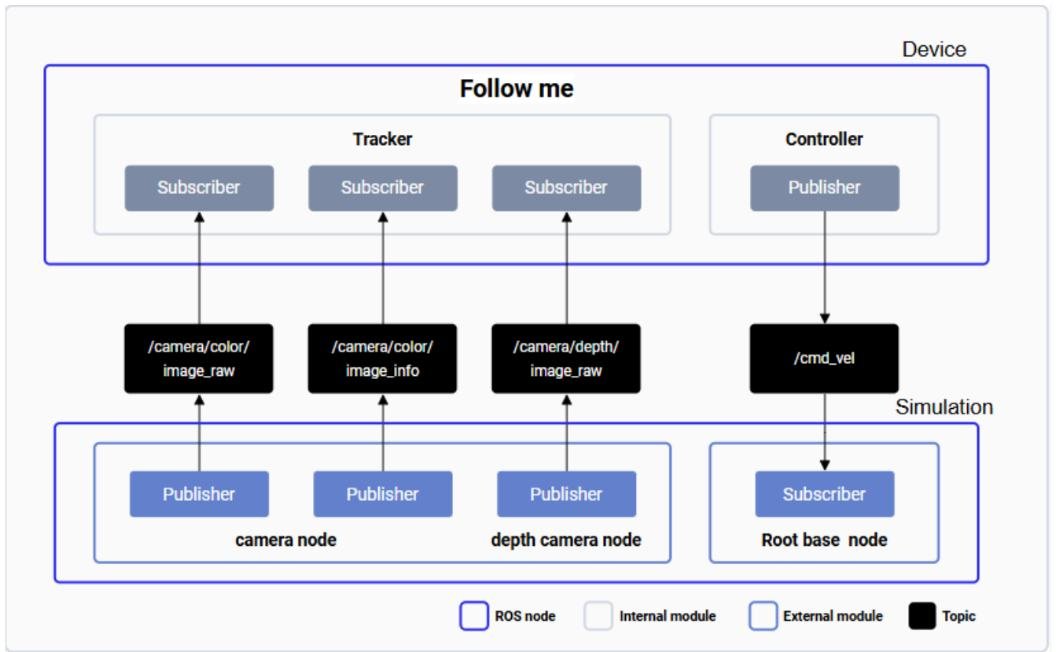
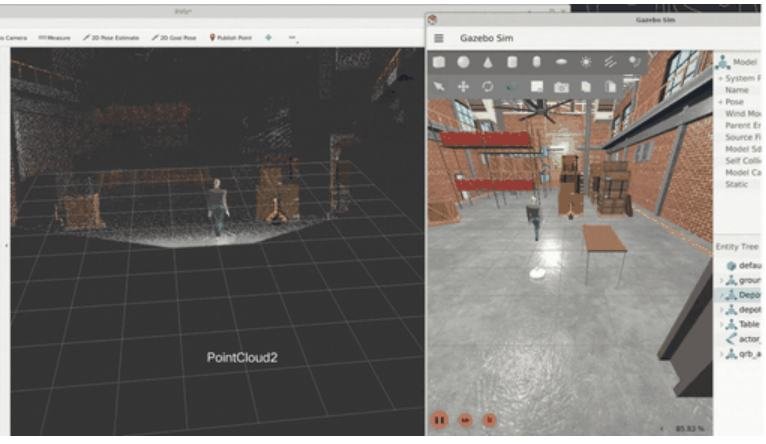
This one tracks a person in real time and uses that to move something so it follows them, which is pretty close to what I want for my own projects, just for a different purpose. It combines colour and depth data to find the person and then adjusts its speed to keep up. I thought it was interesting that it runs in simulation, so I can see how the tracking works without needing a full robot. I feel like that could be a good way to test an idea before building anything physical. I also really like that the code and documentation are open for me to reference, but I’ll need to check that the board it uses (the Arduino VENTUNO Q) is something I can actually get.
Research: Hand Gesture Recognition
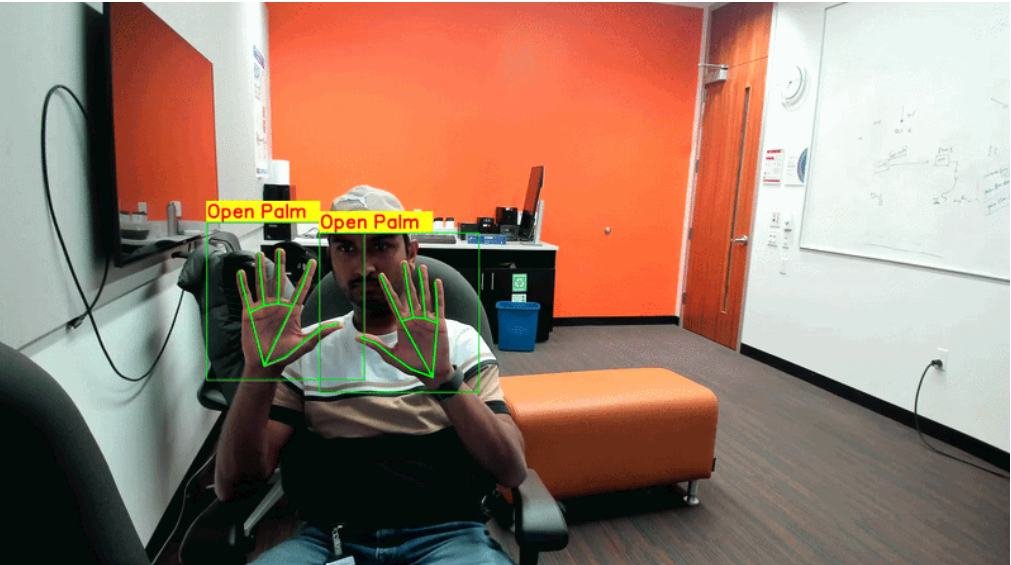
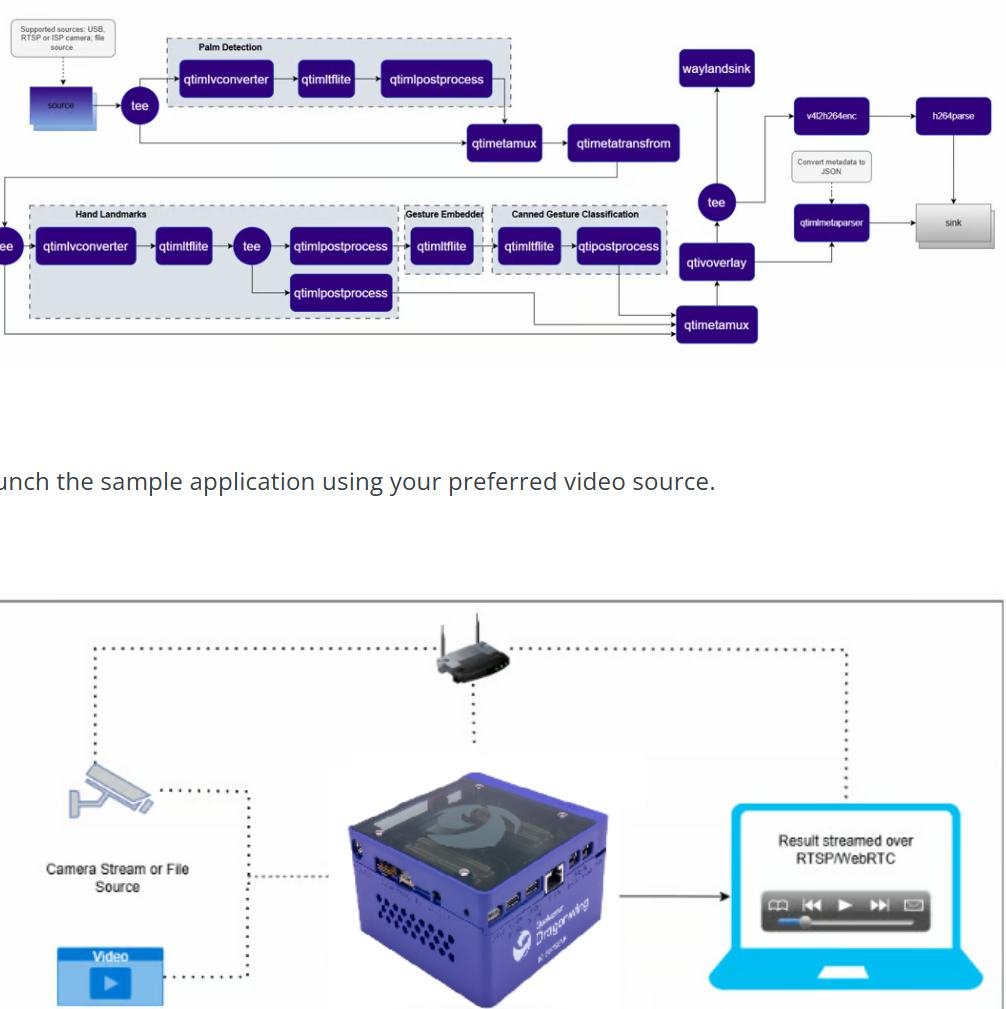
Gesture sensing is something I’ve been wanting to look into, since it could let someone control a projection without touching anything. This project takes a live video feed, finds the hand, and figures out which gesture is being made. What stood out to me is that everything happens on the device itself, so it’s fast and doesn’t send video anywhere. I feel like that matters for my project because I don’t want people to feel watched. It runs on Qualcomm Dragonwing boards and not a regular Arduino, so I’m not sure I could use it directly. The code and a blog post are available, so it’s still a good reference for how gesture detection is put together.
Research: Pose Estimation
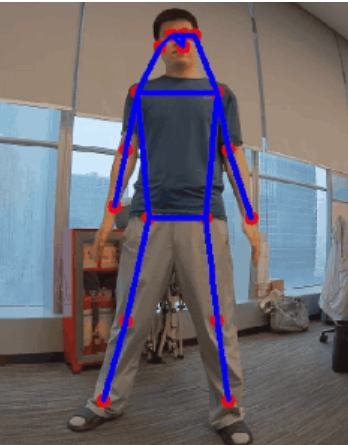
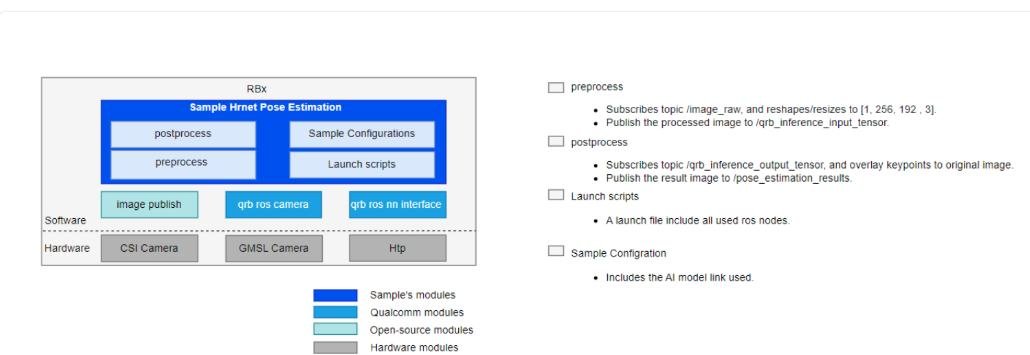
This project finds the joints in a person’s body in real time and draws a skeleton over the video. I think this could be useful for my idea of picking a doll for someone based on how they move around. It uses an AI model running on the Arduino VENTUNO Q and, like the follow-me project, it comes with code and a documentation PDF I can reference. The tricky part is that it needs more powerful hardware than the Arduino I’ve been working with, so I’d have to check what’s available.
Research: Projection Mapping Inspiration
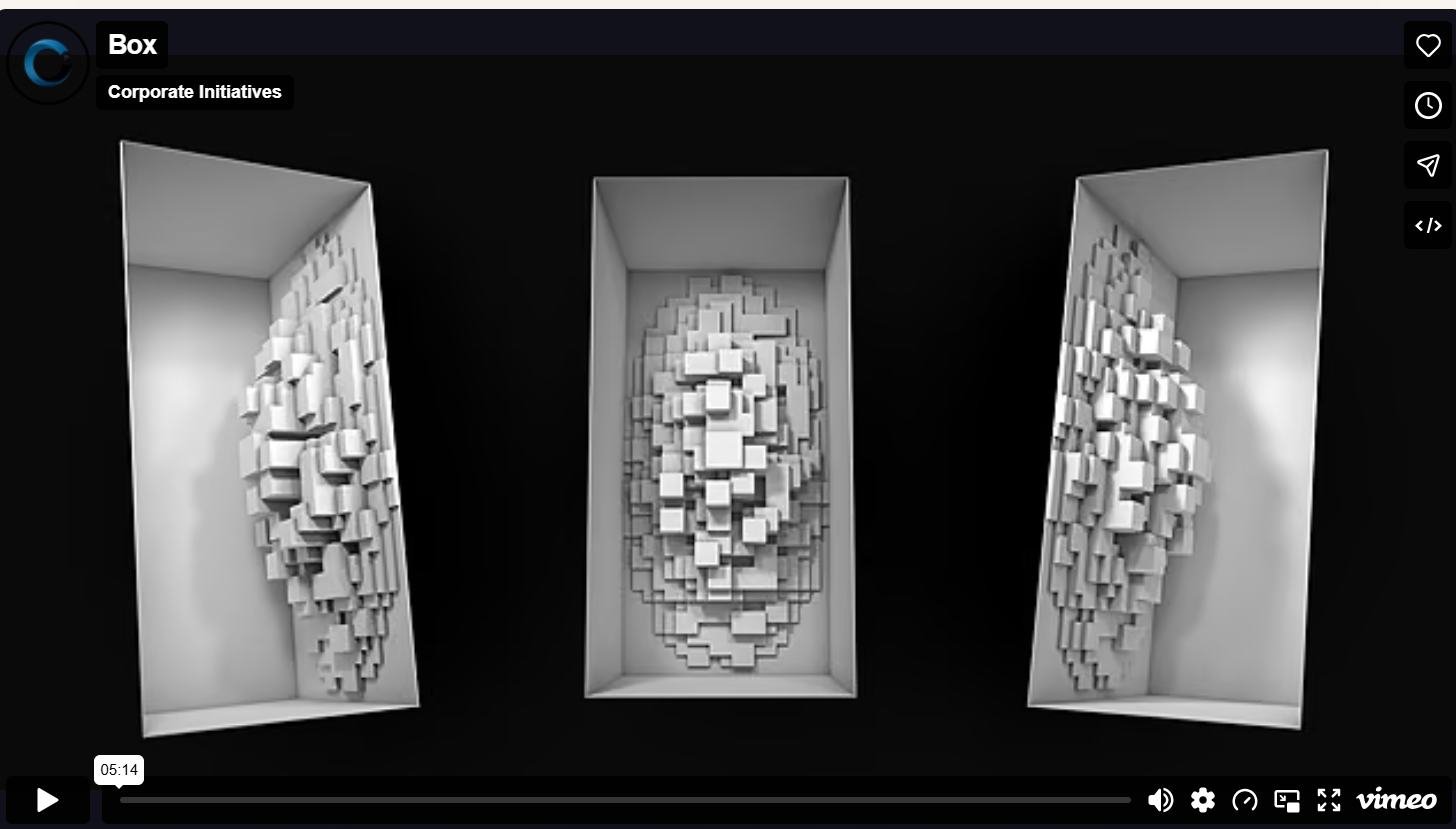
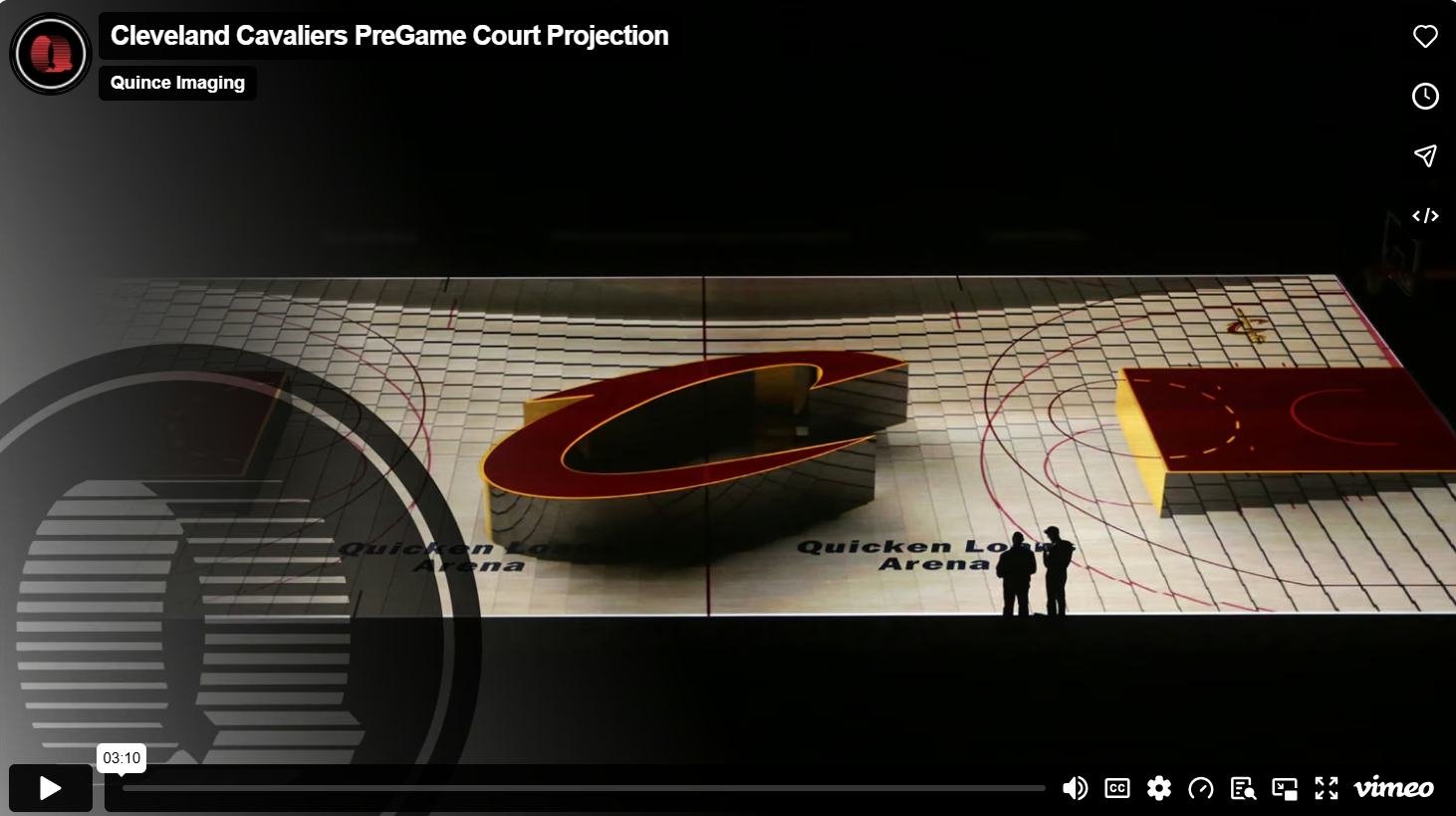
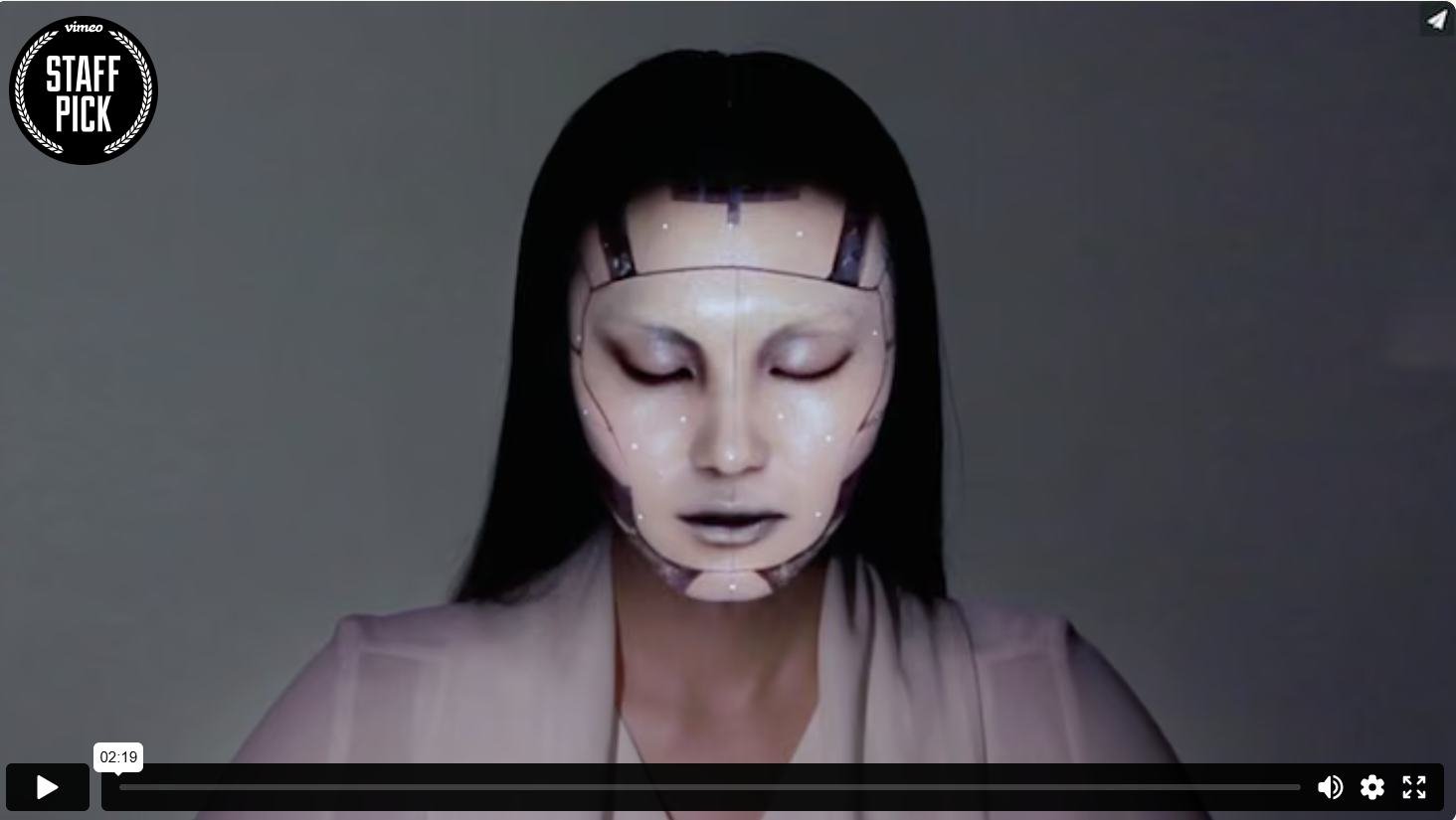
I wanted to look at projection mapping to see what’s possible. School of Motion shared a few of their favourite examples, and what I liked most is how different they are. Box uses camera movement and perspective to make it feel like a magic trick, Projections in the Forest projects onto living plants instead of a flat wall, and the Cavs one happens right on the basketball court. There was also a real-time face tracking example from a team in Japan. I feel like the face tracking one is closest to what I want, since the projection reacts to the person. I also like the idea of projecting onto something that isn’t a plain screen, since that could make my doll feel more physical.
Ideation: Help Me Get Dressed
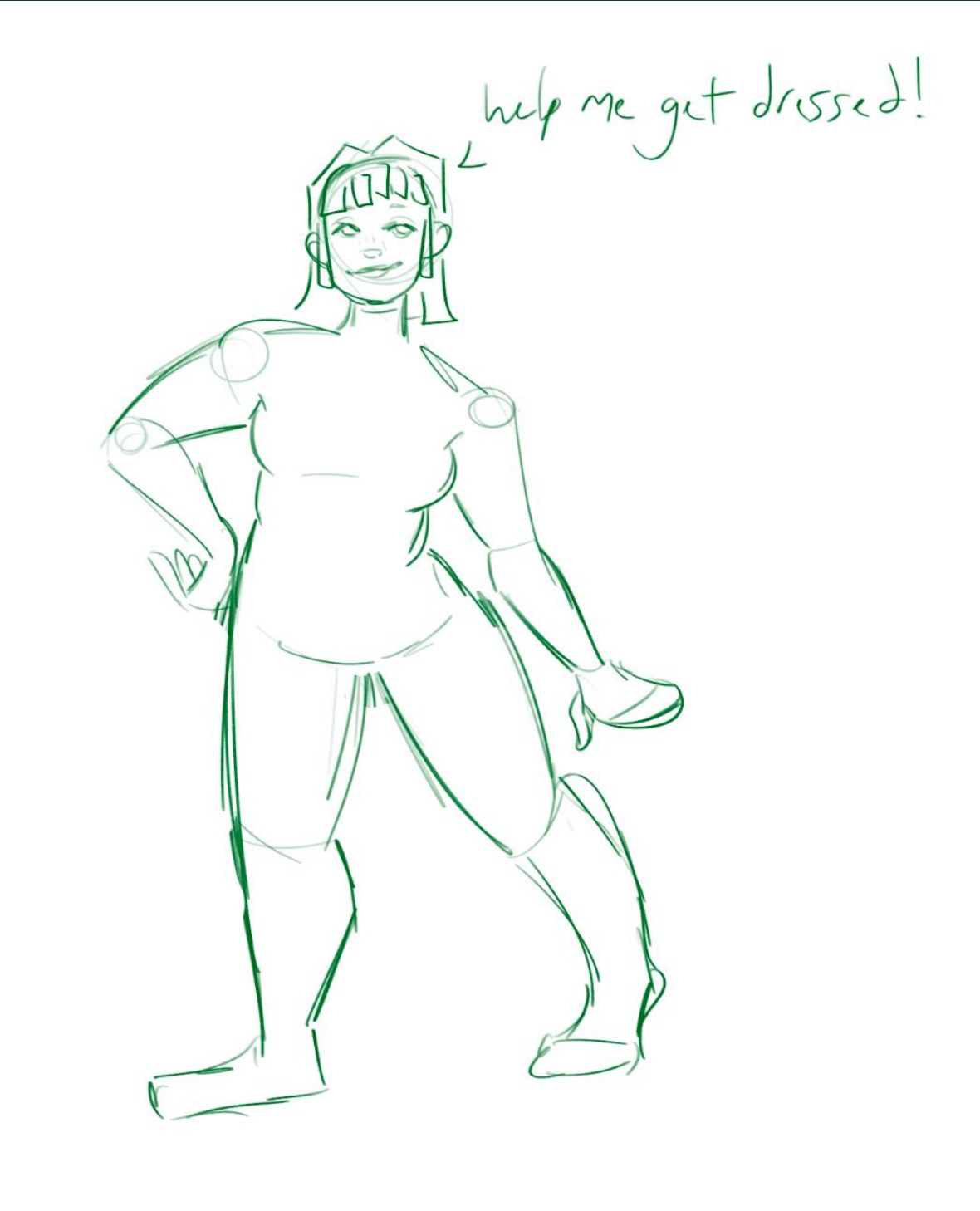
For this idea I was thinking about old flash games from when I was a kid and how fun the dress up aspect of them is. The doll would be shown in her bedroom asking the user to help her get dressed for an outing and then the user would select all the outfit components. The doll would react to the choices with predetermined responses just like in those older games with phrases like “oh..” or “this is NOT my colour!” For how the user interacts with the projection I did not have much in mind, maybe a simple remote, maybe even hopscotch.
Ideation: Do I Look Like You?
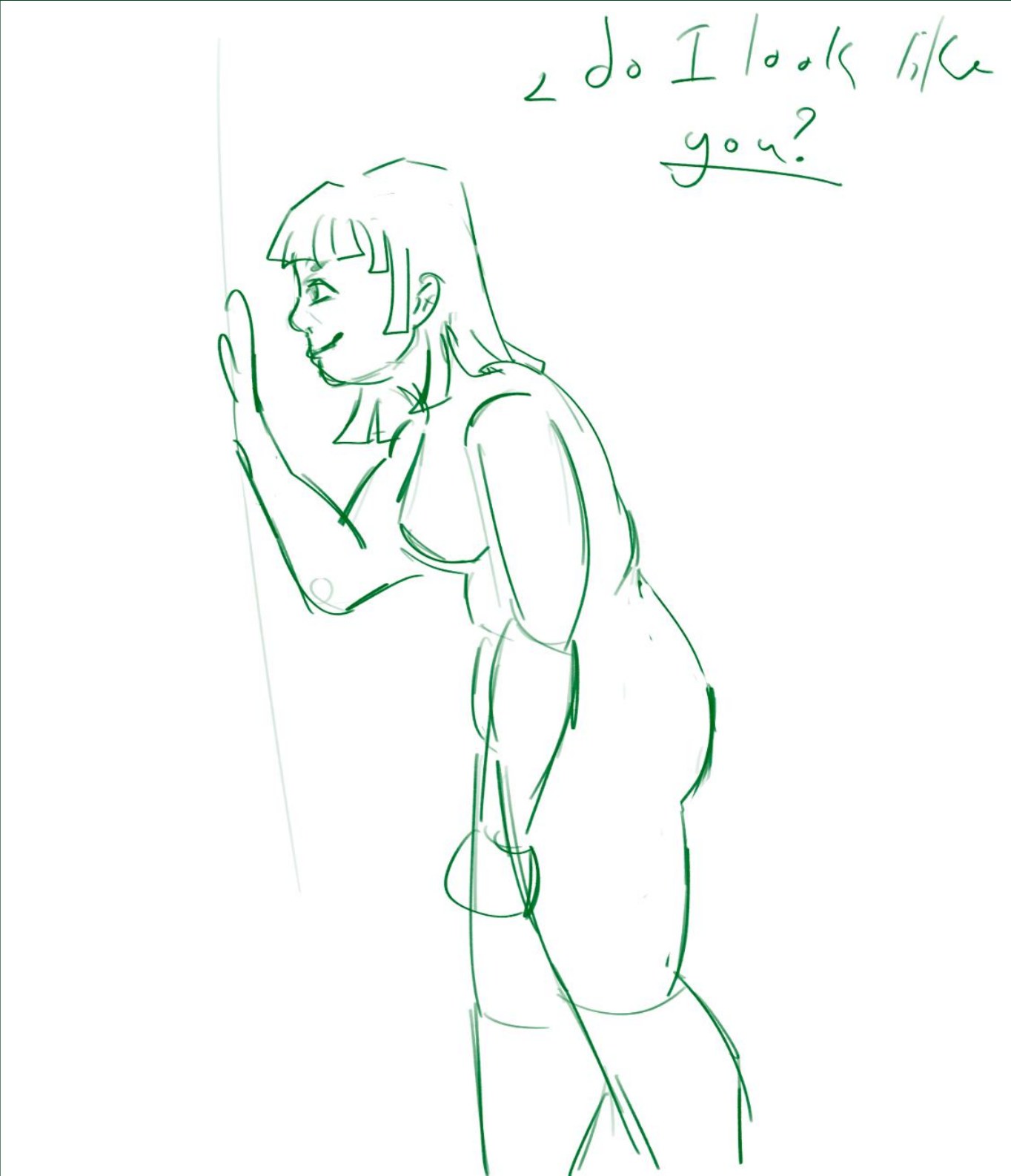
I briefly pondered the idea of projection mapping being used for a “scary” or “creepy” idea rather than something focused on beauty or accessibility. My idea was that maybe the user would answer some sort of questionnaire using ProtoPie and then depending on the answers like a personality quiz a specific “scary” doll would appear. The doll would then taunt them in some way and then attempt to “break out” by pounding on the screen. Ultimately I decided that I am not that attached to this concept and it is something a broad audience may not tolerate.
Ideation: Baby Monitor
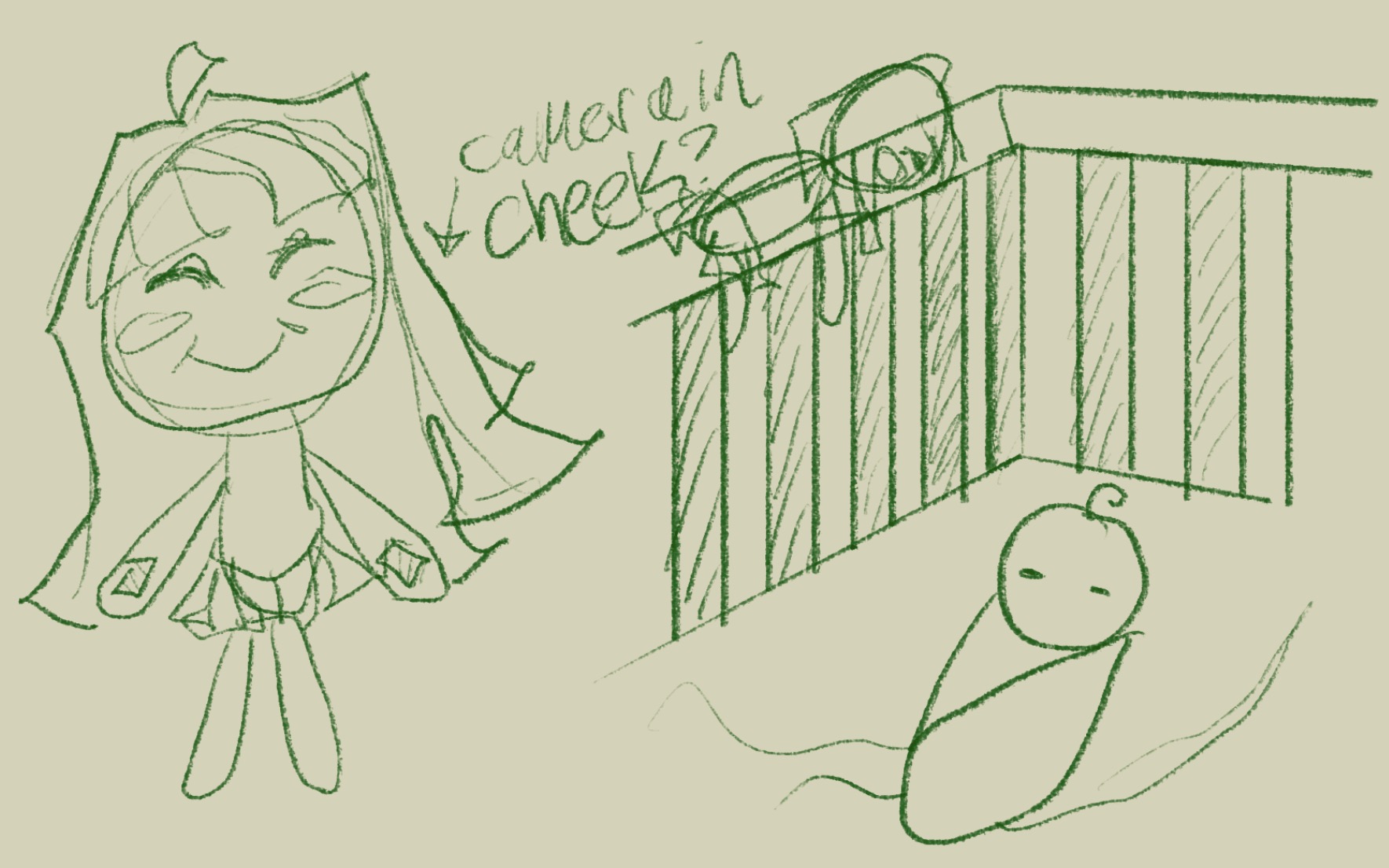
I was also considering creating a baby monitor that uses a combination of tracking movement and sound to alert family members of the baby’s movement. It would also have a special much more intensive alarm for if strange movement is detected or no movement. I do not have a baby or know one right now, but I appreciate all the effort that goes into making a child’s first couple years fun, safe, and entertaining. If the child is old enough to have the doll in the crib or attached to the side of it I think that would be my best target demographic. I like this idea, but it is not as fun as I would like.
Ideation: Is This Dog Friendly?
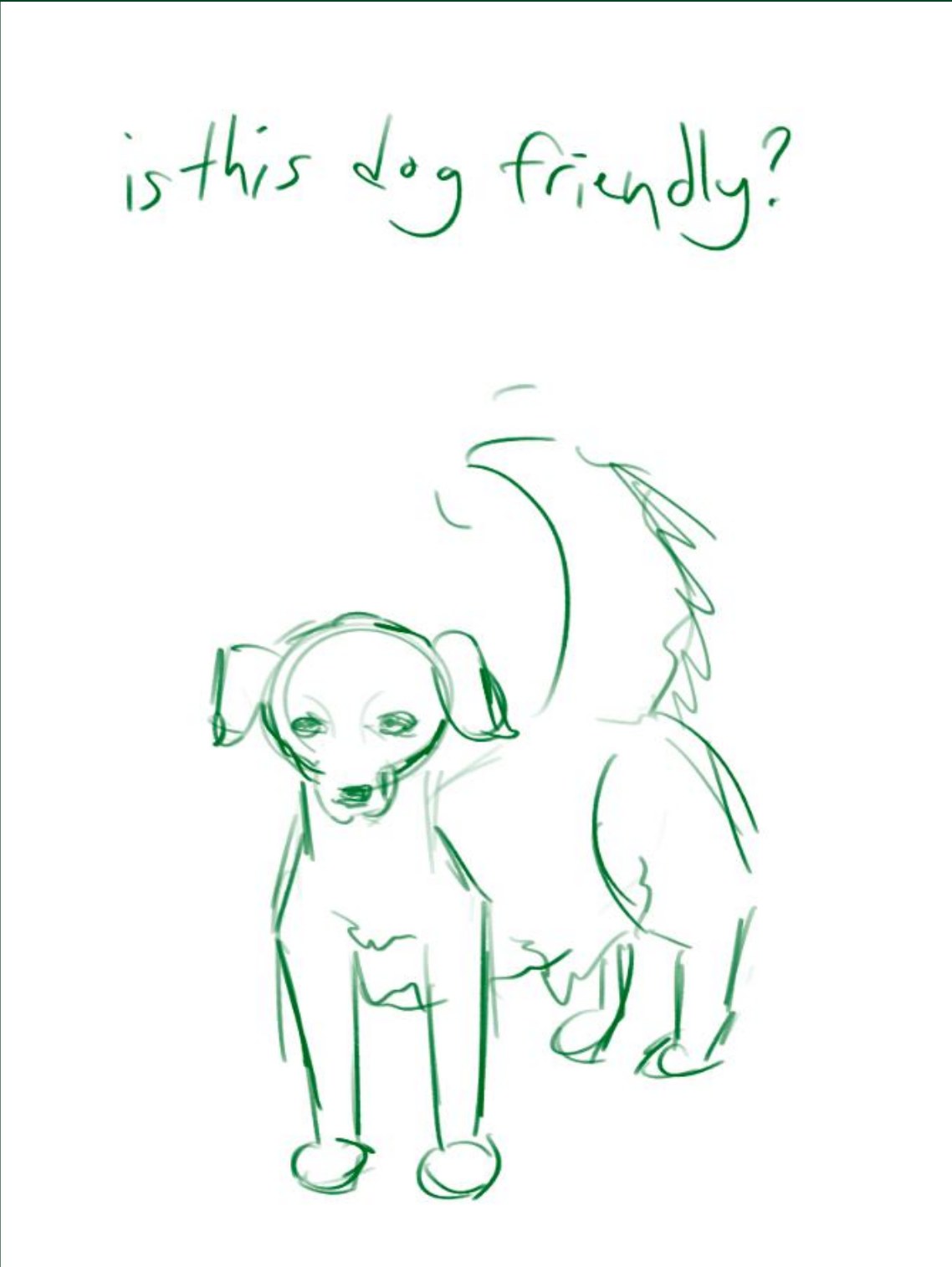
One of my first ideas was to use projection mapping and maybe some kind of gesture detection to have users interact with dogs. I have always had dogs and worked at a dog daycare the past couple summers but I find it quite alarming how little the average person knows about interacting with them. I would have like a book of dog posture and behaviours with what that means for the dog (eg. stiff tail is not happy) in front of the projection mapping for users to reference. I don’t like how many people interact with dogs clearly displaying behaviours asking to be left alone and that leads to bites, injuries, and fights.
Ideation: Select a Doll
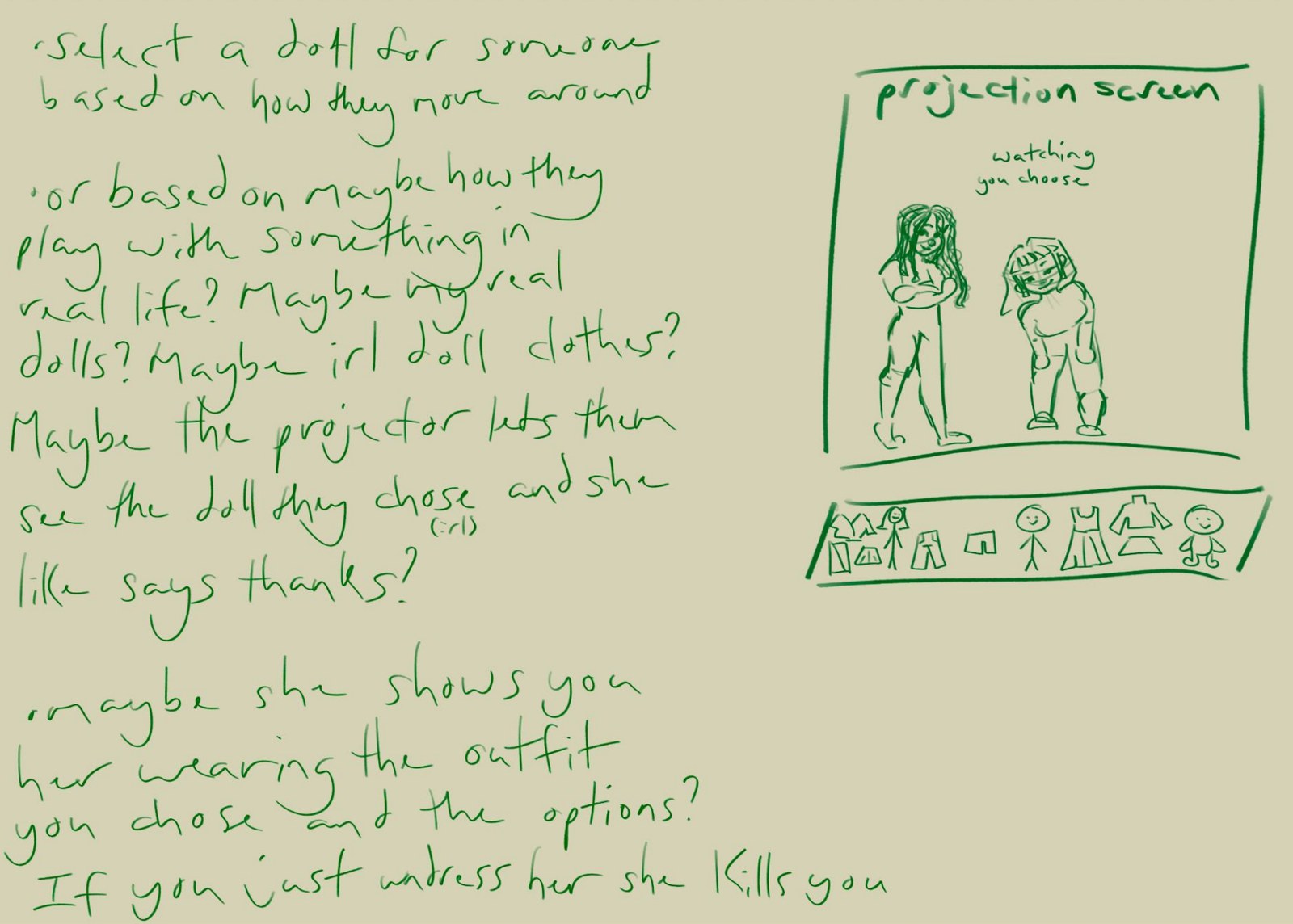
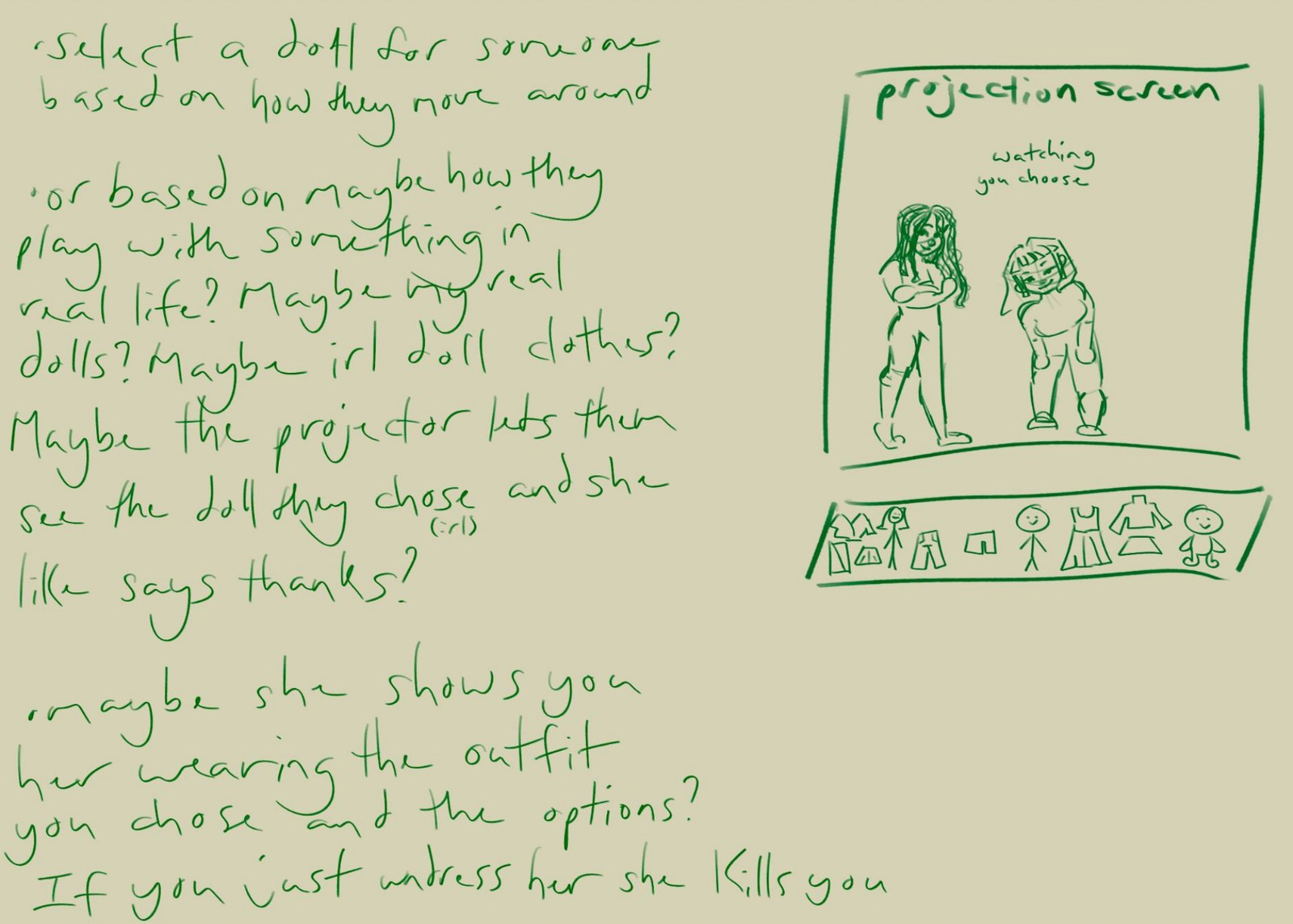
This idea while being one of my more vague concepts is also one of my favourites. I feel like this could be possible through projection mapping, maybe sensors underneath the table that the physical objects are set on, and perhaps something like sensing gestures. The concept for this project would be having the user choose a doll that they like and then having that doll appear on the projection screen in front of them. The user would then dress the doll they are holding like playing barbies as a child. I really like the idea of combining digital and physical play, I am passionate about this idea.
Project 1 Concept
Project 1 Concept
For my final project I am going with my “Select a Doll” idea, taking the Art path. The user chooses a doll they like and that doll appears on the projection screen in front of them. The user then dresses the doll they are holding, like playing Barbies as a child, and the projected doll reacts to their choices with predetermined responses, the same way the old dress-up flash games I grew up with did. Sensors under the table that the physical objects sit on, and possibly gesture sensing, would let the physical doll and the projection respond to each other, so neither feels like the lesser half of the experience.
This idea builds directly on my research. Hybrid play (physical and digital existing together) and the Nostalgic Digital Native persona (adults who hold onto dolls and toys but often only display them) both point to making a doll playable again. My Responsive, Human-Centred Tech research is a reminder that the sensing has to feel trusted rather than watched, which is why on-device approaches like the gesture recognition project matter to me.
Sources Cited
Arduino - Project Hub. (2022). Arduino.Cc. https://projecthub.arduino.cc/
Blasco, C. (2026). ToyTrend 2026: AI loves to play. Spielwarenmesse. https://www.spielwarenmesse.de/en/mag/trends/toytrend-2026-ai-loves-play/
chaochen, hangshen204652, & manchuino. (2026a). Follow-me tracking on arduino VENTUNO Q. Arduino Project Hub. https://projecthub.arduino.cc/hangshen204652/follow-me-tracking-on-arduino-ventuno-q-e37bda
chaochen, hangshen204652, & manchuino. (2026b). Pose estimation on arduino VENTUNO Q. Arduino Project Hub. https://projecthub.arduino.cc/hangshen204652/pose-estimation-on-arduino-ventuno-q-046bb5
Hamza88. (2026). AI room tracker with arduino UNO Q – footsteps, alarm zone & motion access control. Arduino Project Hub. https://projecthub.arduino.cc/Hamza88/ai-room-tracker-with-arduino-uno-q-footsteps-alarm-zone-motion-access-control-009977
Laboratory, T. F. (n.d.). Digital engagement: A social future. Www.Thefuturelaboratory.Com. https://www.thefuturelaboratory.com/blog/digital-engagement-a-social-future
link, K. S. (2025). “Little trinkets” are the latest trend in adults buying children’s toys. Www.Cbc.Ca. https://www.cbc.ca/news/canada/london/little-trinkets-are-the-latest-trend-in-adults-buying-children-s-toys-1.7431189
Mastroianni, B. (2016, January 14). Are americans concerned about privacy? “It depends.” CBS News. https://www.cbsnews.com/news/are-americans-concerned-about-their-privacy-it-depends/
Michael Dinich/Wealth of Geeks via AP. (2023, July 17). Grown-up’s toys are sometimes toys they wanted as kids | positive encouraging K-LOVE. K-LOVE. https://www.klove.com/faith/news/fun-unusual/grown-ups-toys-are-sometimes-toys-they-wanted-as-kids-44807
ProtoPie connect | ProtoPie. (2024). Protopie.Io. https://www.protopie.io/features/connect
rajanmistry. (2026). Hand Gesture Recognition with Qualcomm Intelligent Multimedia SDK. Arduino Project Hub. https://projecthub.arduino.cc/rajanmistry/hand-gesture-recognition-with-qualcomm-intelligent-multimedia-sdk-e5f176
School, P. (n.d.). ProtoPie 101 crash course. ProtoPie School. https://learn.protopie.io/course/protopie-101
Sourcy. (2026). Phygital play toys trending product | sourcy. Sourcy.Ai. https://www.sourcy.ai/trending-products/trends/phygital-play-toys
srarduinomaster. (2026). Joystick-controlled football goalkeeper. Arduino Project Hub. https://projecthub.arduino.cc/sriarduinomaster/joystick-controlled-football-goalkeeper-b22dc9
Summa, V. (2024, May 21). Towards a hybrid future for play: Integrating digital and physical experiences. Toy Industries of Europe. https://www.toyindustries.eu/towards-a-hybrid-future-for-play-integrating-digital-and-physical-experiences/
The balanced transformation: 83% Of CPG success stories achieve human-technology synergy | VML. (2026). VML. https://www.vml.com/insight/the-balanced-transformation-83-of-cpg-success-stories-achieve-human-technology-synergy
The spread of licensed toys and their digital reach. (2025). Licenseglobal.Com. https://www.licenseglobal.com/toys-games/the-spread-of-licensed-toys-and-their-digital-reach
Ward, C. (2017, October 20). Incredible projection mapping inspiration. School of Motion. https://schoolofmotion.com/blog/projection-mapping-inspiration
What toys are gen z adults buying themselves? - YPulse. (2024, November 25). YPulse. https://www.ypulse.com/article/2024/11/25/what-toys-are-gen-z-adults-buying-themselves/
Powered by w3.css